Step inside Mukashi

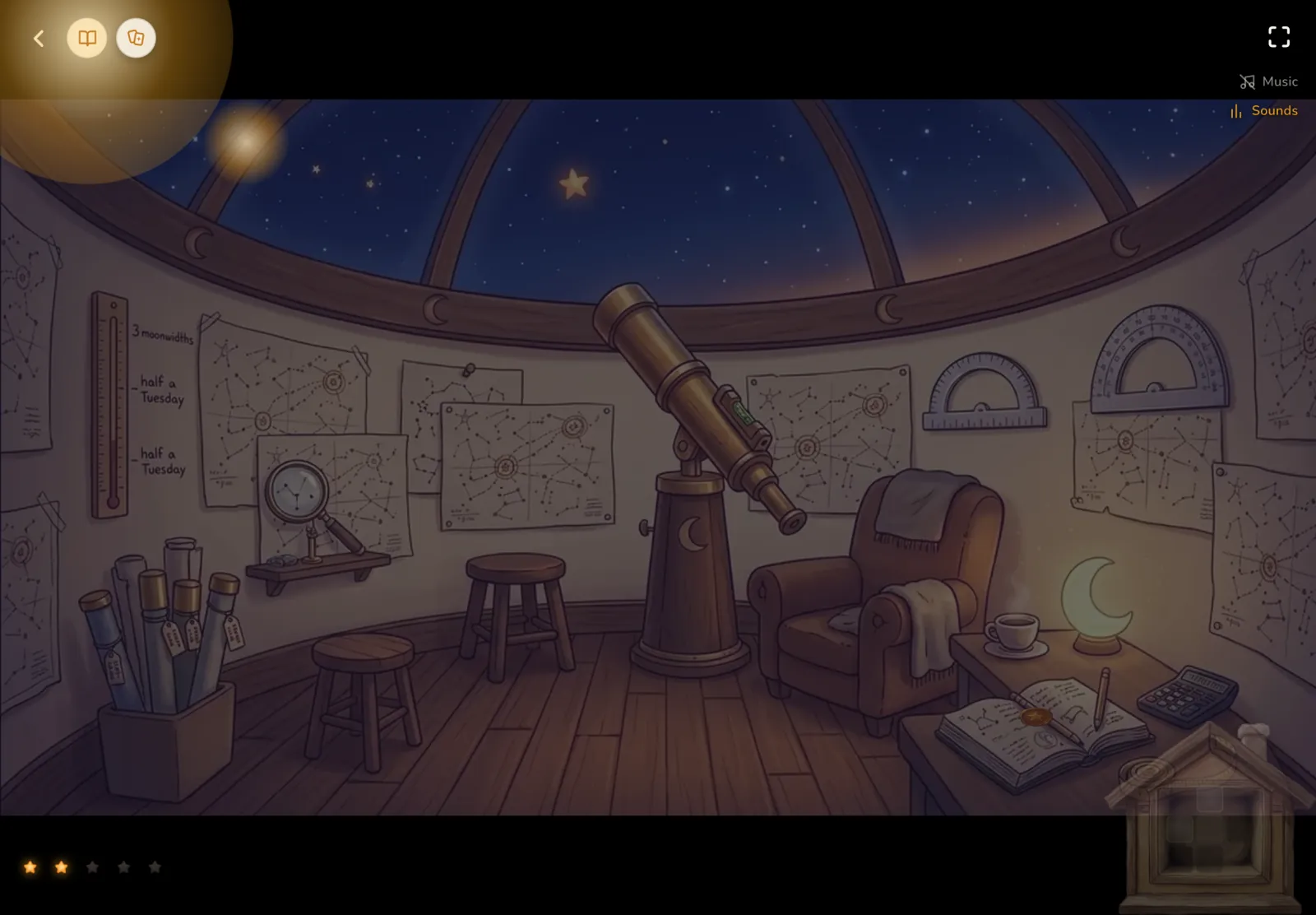
Three places, one journey. Look around in any order. Every light holds something Mukashi offers.

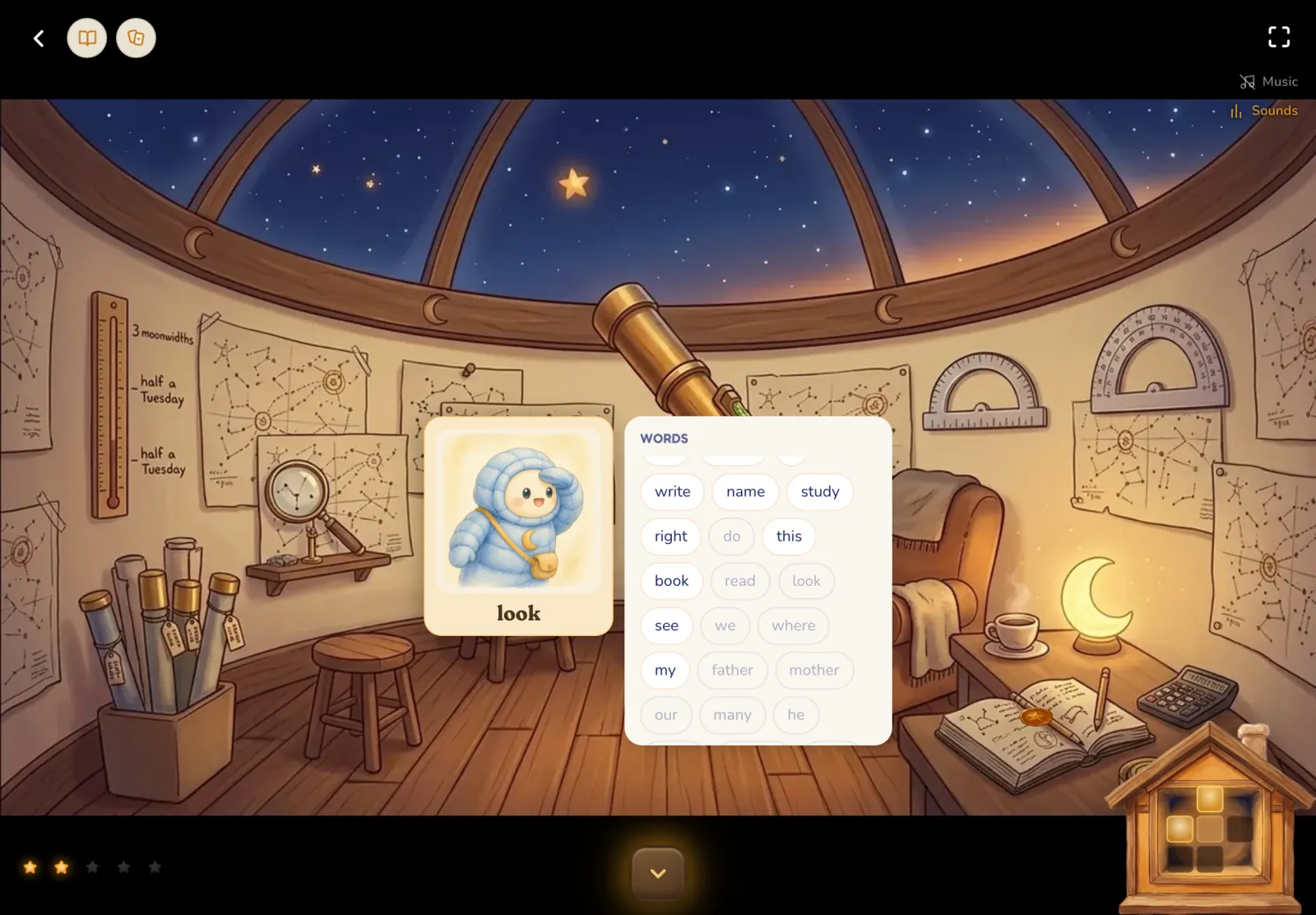
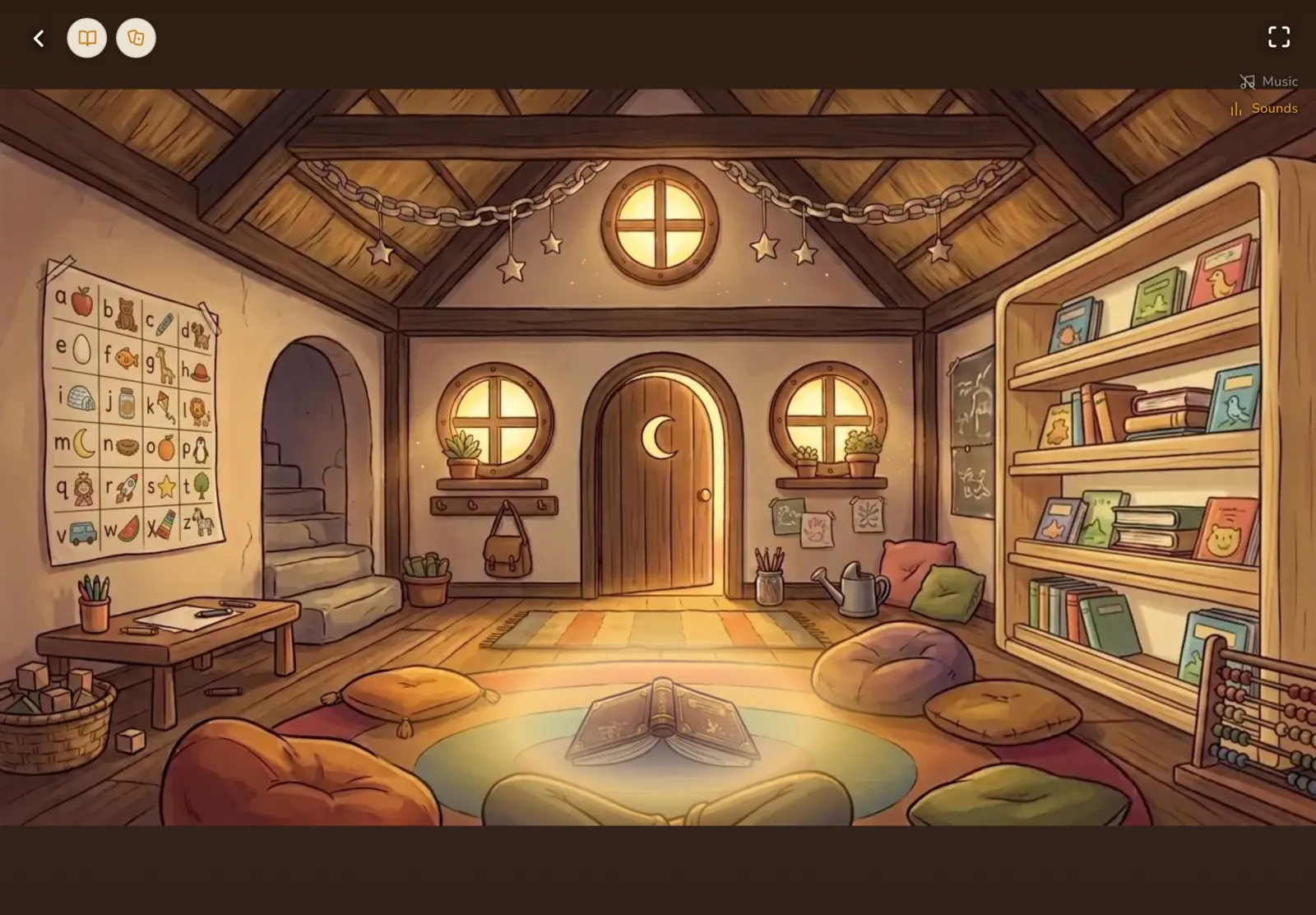
The Schoolhouse in the Mukashi app: a warm classroom with an alphabet chart, stone stairs, a crescent-moon door, a shelf of picture books and an open book on the rug.
Every Schoolhouse feature (10)

    Reading

    Forty first books

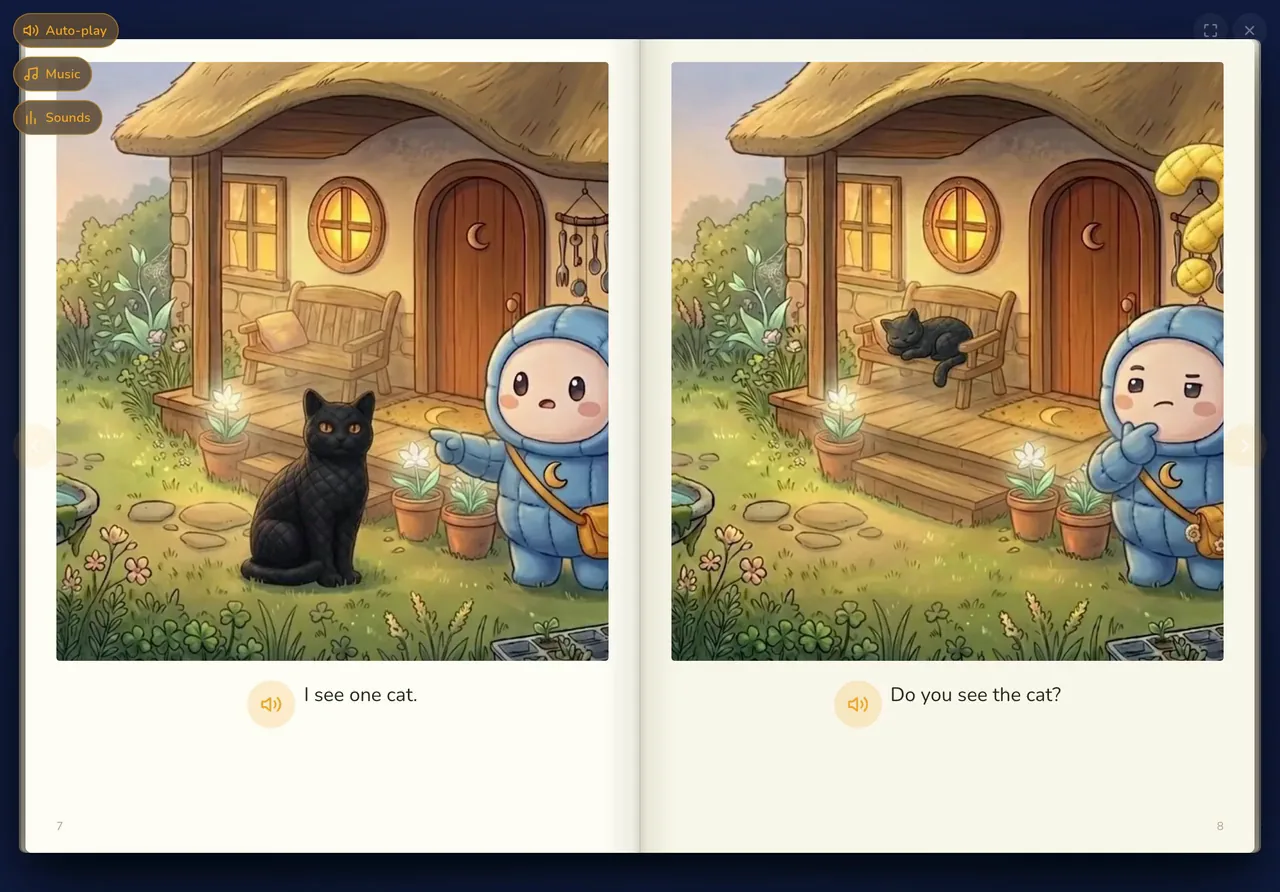
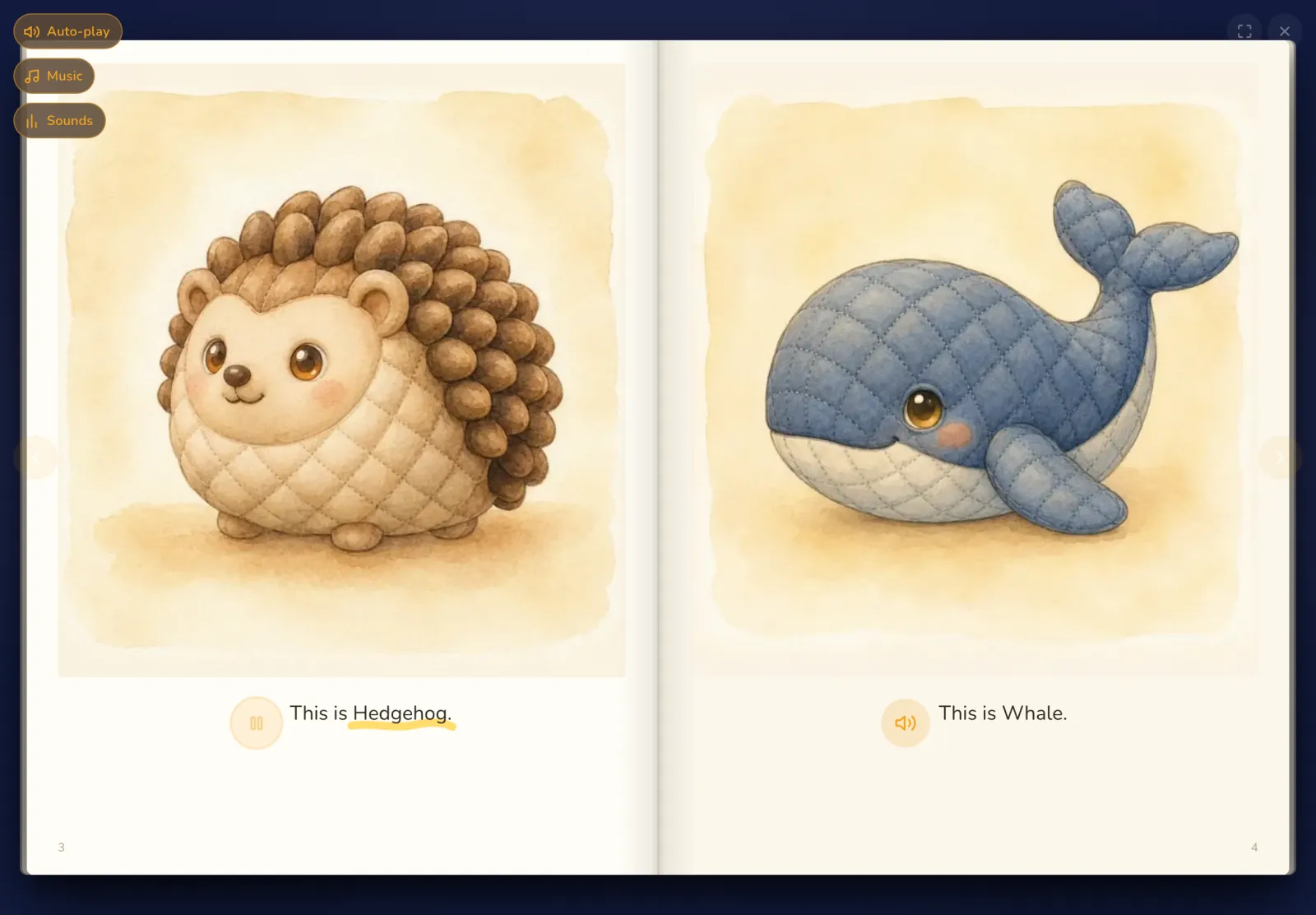
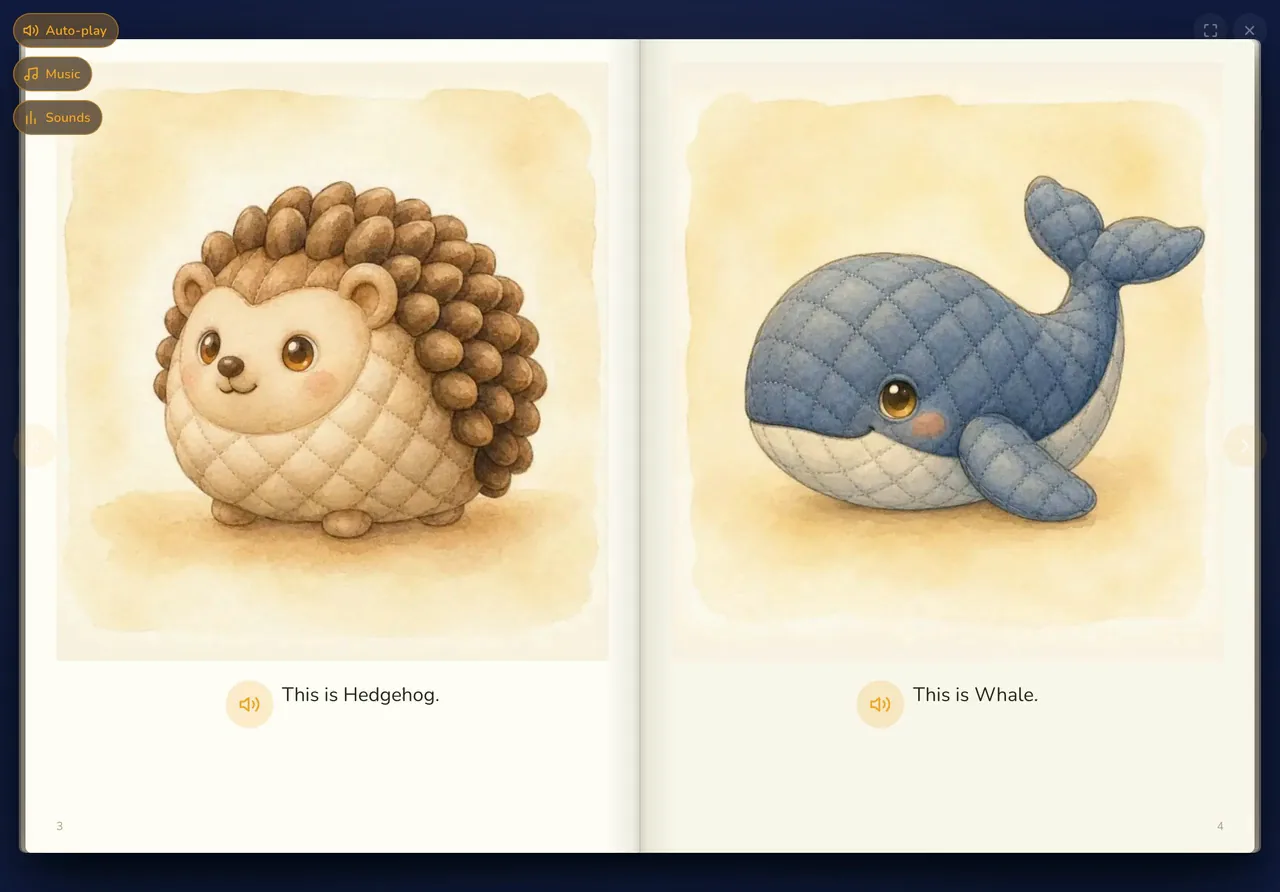
    Forty short books, read aloud as each word lights up, so first words and grammar settle through repetition.

    Each book has eight pages and about three new words, repeated until they feel easy. Every page is narrated, and any word speaks when tapped. With auto-play off, the words still light up, keeping your child's place as they read aloud.

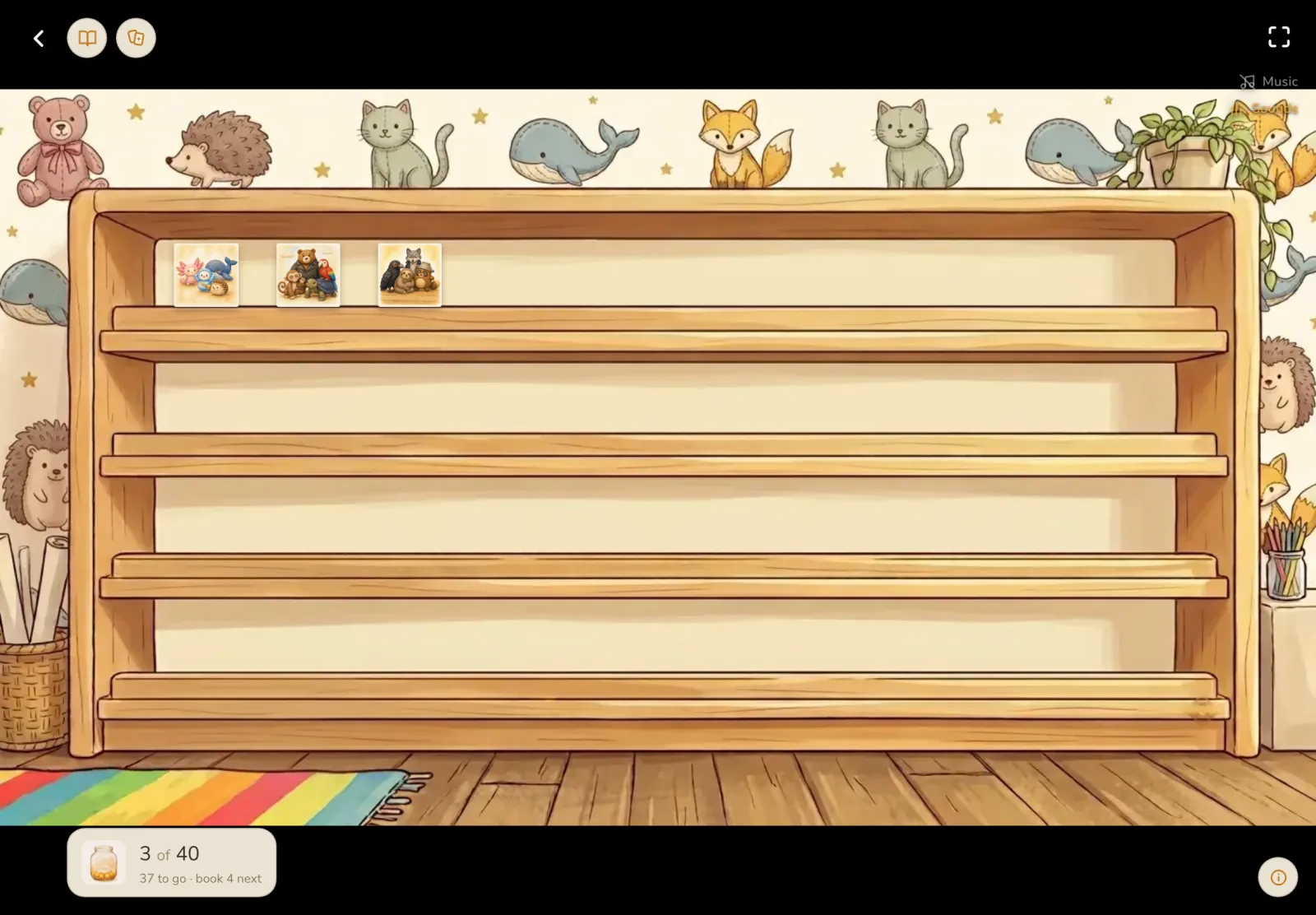
    The next book always waits on the rug. Finished books go to a shelf for rereading, which is where the real practice happens.
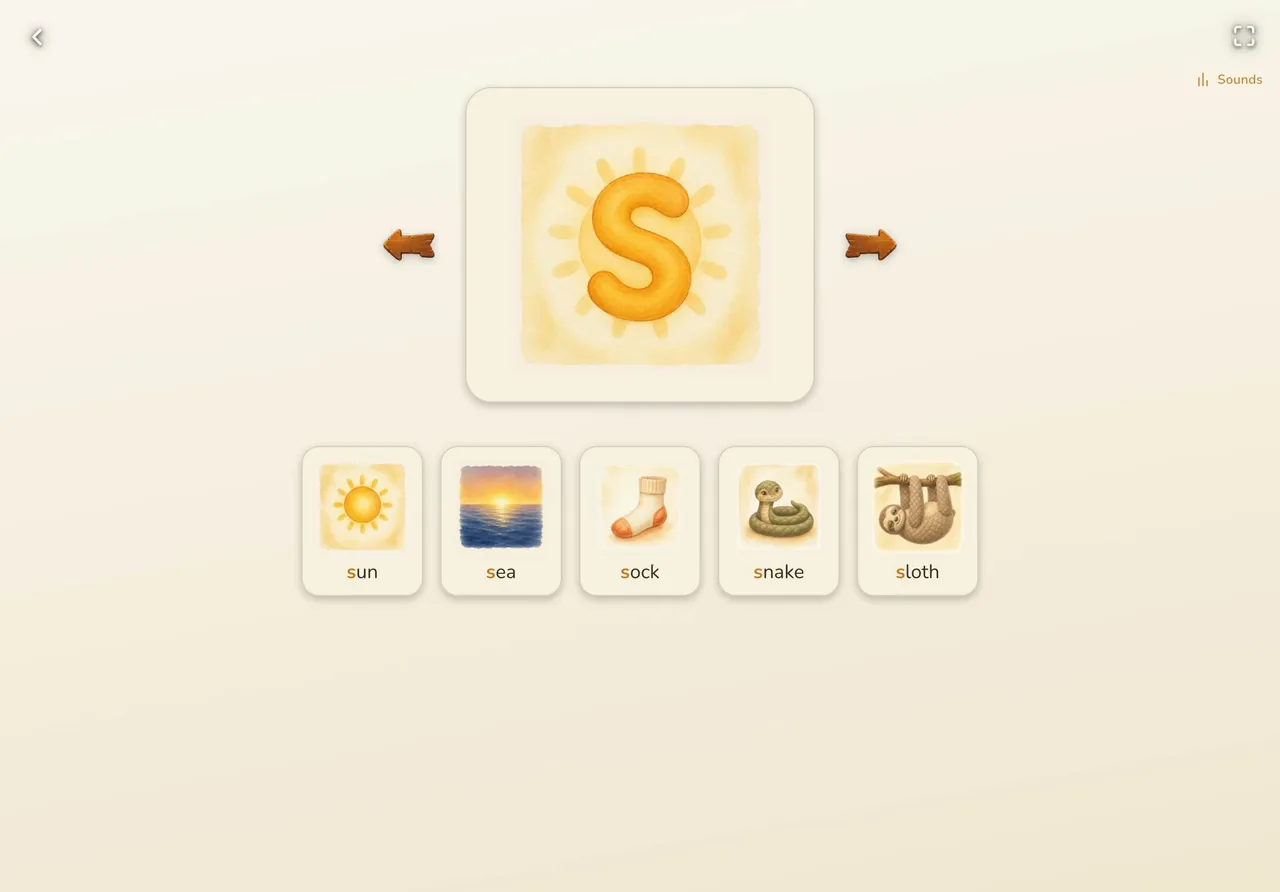
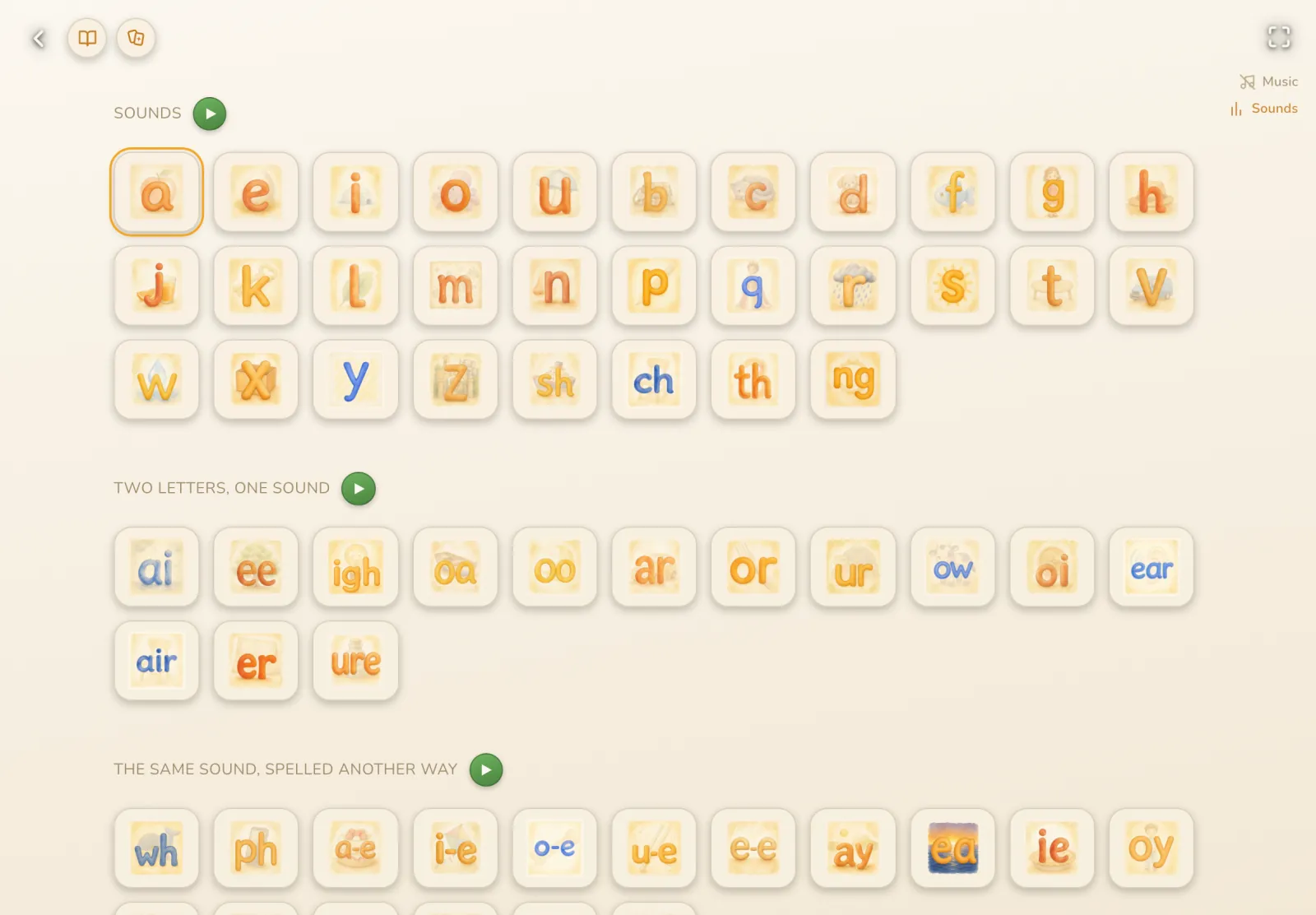
    A phonics chart that speaks

    Every card says its sound, and every example word has a picture, so no vocabulary is needed first.

    The chart holds 61 cards in three parts: letter sounds (30), two letters that make one sound (14), and the same sound spelled another way (17). Every picture word speaks too, so your child hears each sound inside real words.

    A whole section can play straight through while your child echoes each sound. Where one spelling has two sounds, like oo and th, the card carries both.

    Words

    The Teacher's Notebook

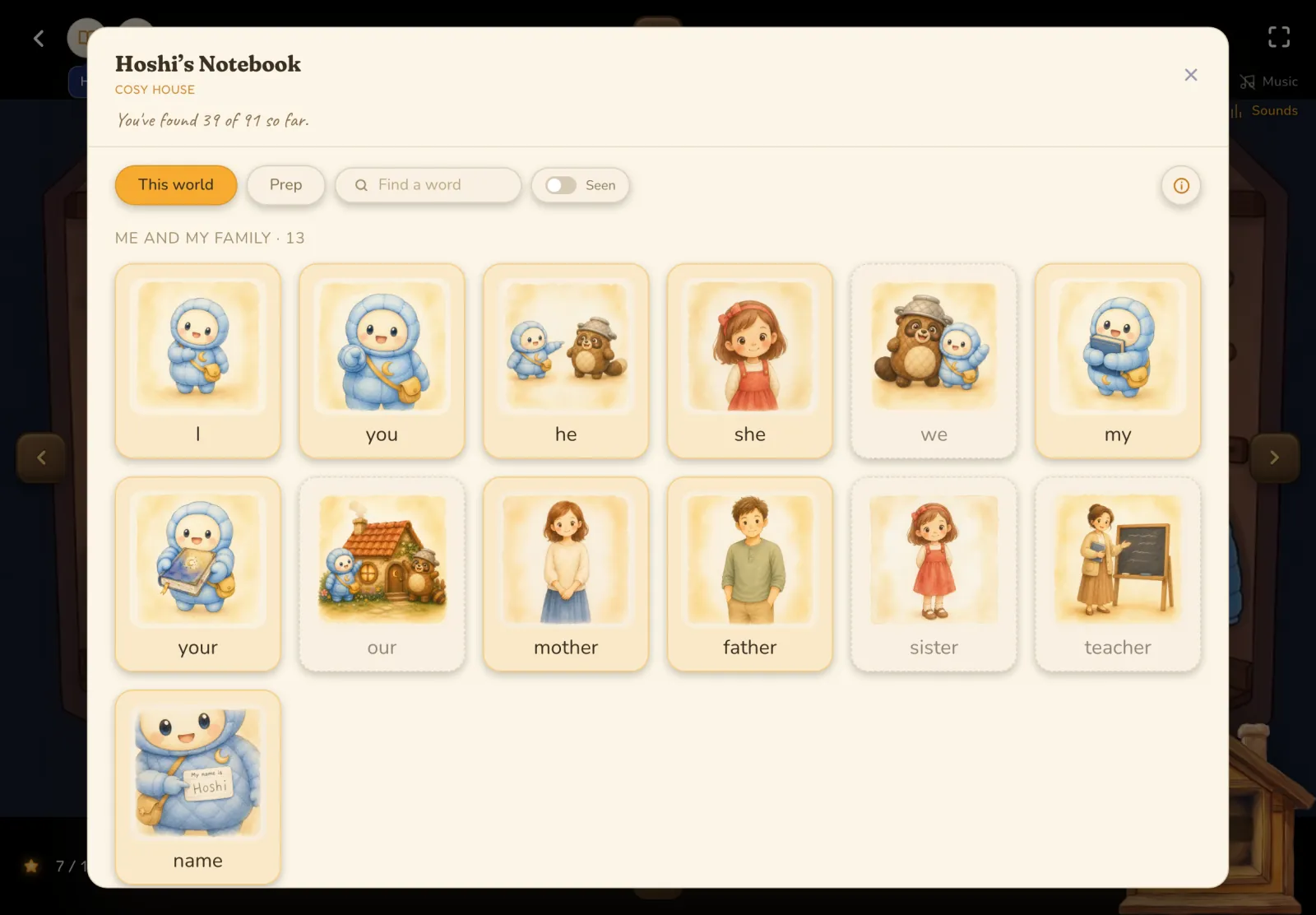
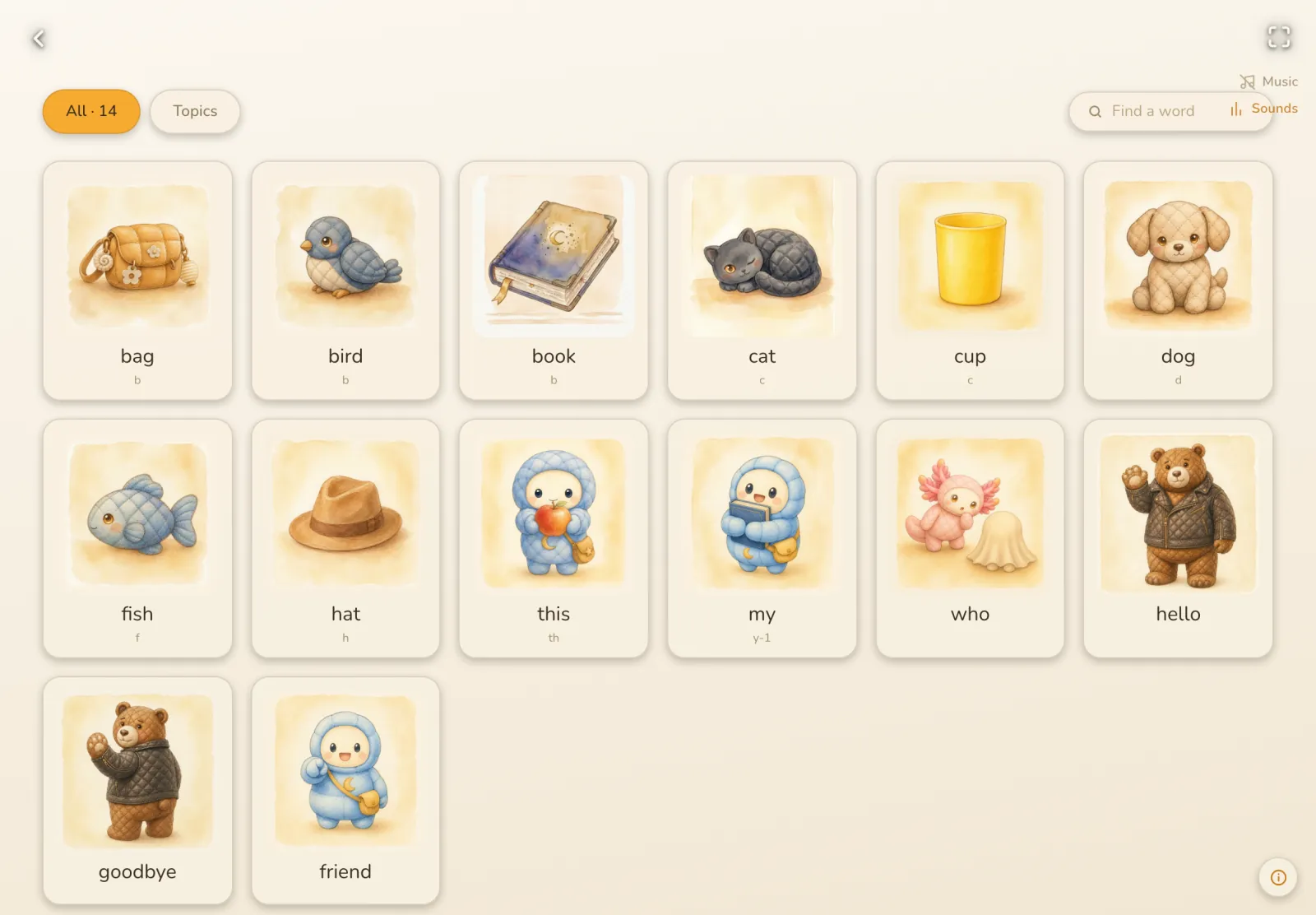
    Every word your child meets lands in a picture dictionary, sorted by topic, ready to hear again.

    The notebook appears after the first book and grows with every book after that. Each word sits beside its picture, grouped by topics like colors, animals and numbers, and a search finds any word or topic in a moment. It's a calm place for a quick review, and an easy one for a parent sitting alongside.

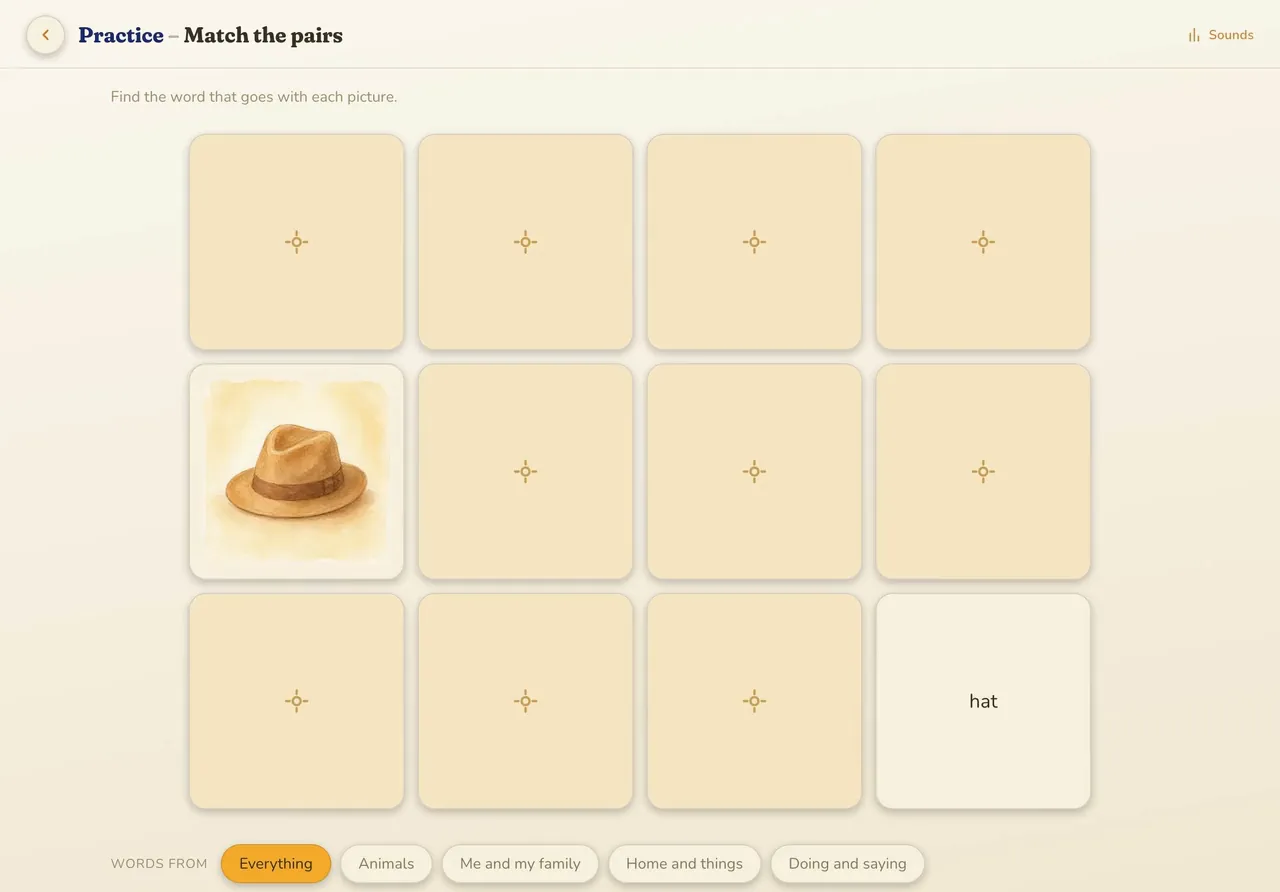
    Match the pairs and Listening

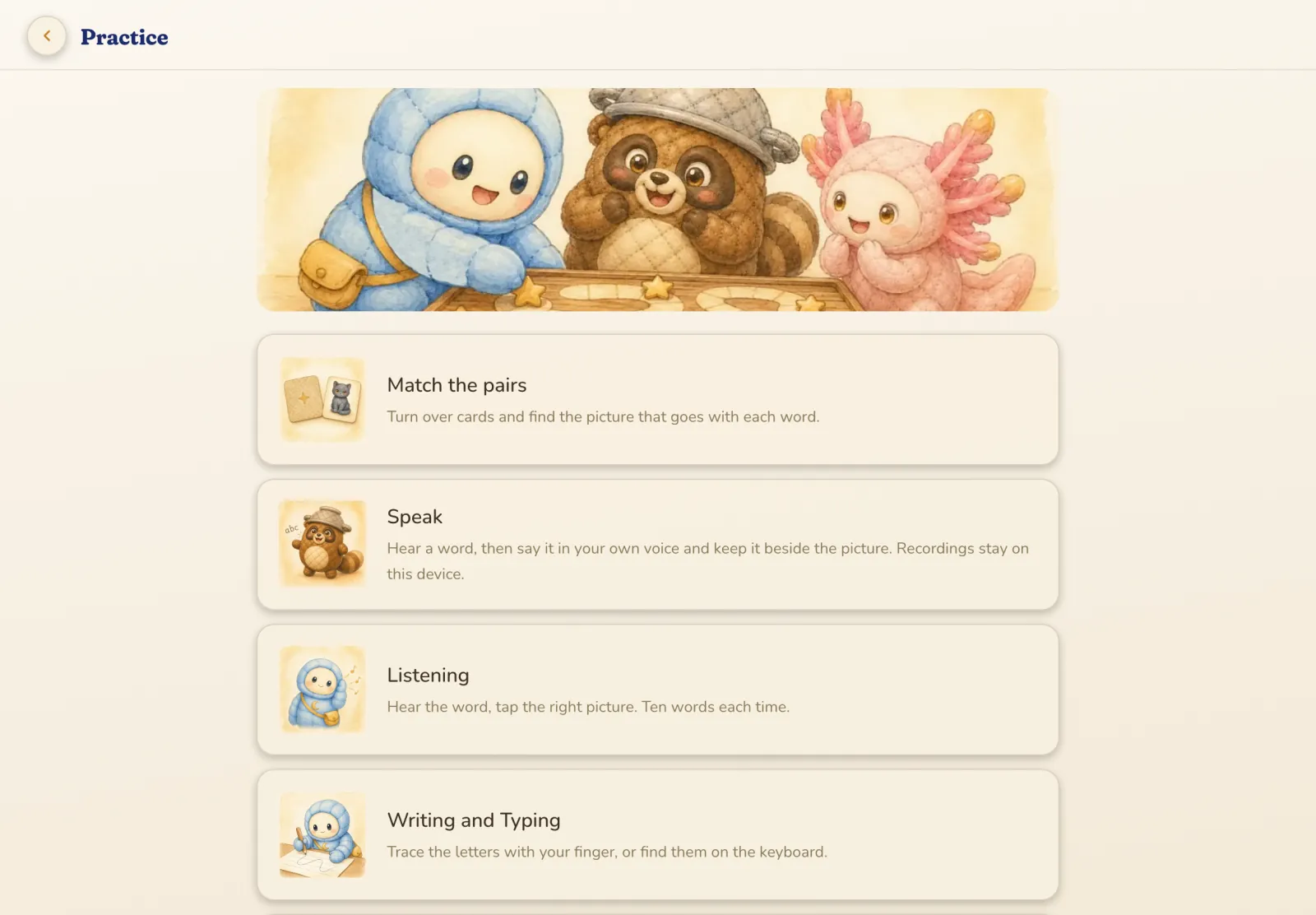
    Two word games that say every word aloud, so a brand-new word can be learned while playing.

    Match the pairs is the classic memory game, with a word and its picture to find. Every card speaks, so it teaches as well as tests. In Listening, your child hears ten words a round, one at a time, and taps the picture that matches. Pairs can stick to one topic, and Listening to words from books already read.

    Speak, in their own voice

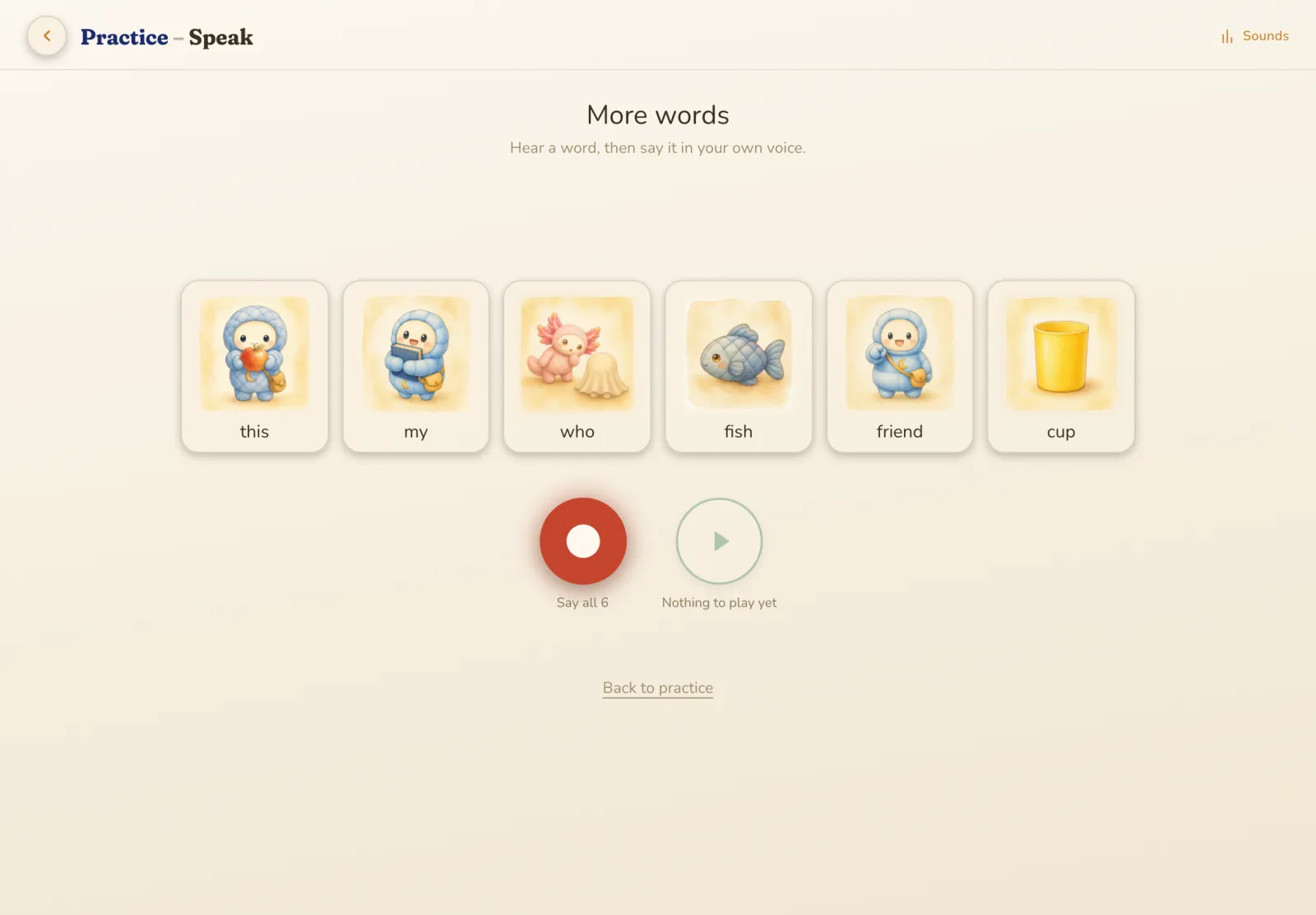
    Your child says each word back and keeps the recording beside its picture, building confidence without a score.

    Saying a new word out loud takes a little courage. Here your child hears the word, answers in their own voice, and nothing is marked. The recordings stay on the device and are never uploaded. Over time they become a small keepsake: your child's voice, word by word, from the very first ones.

    Writing and Typing

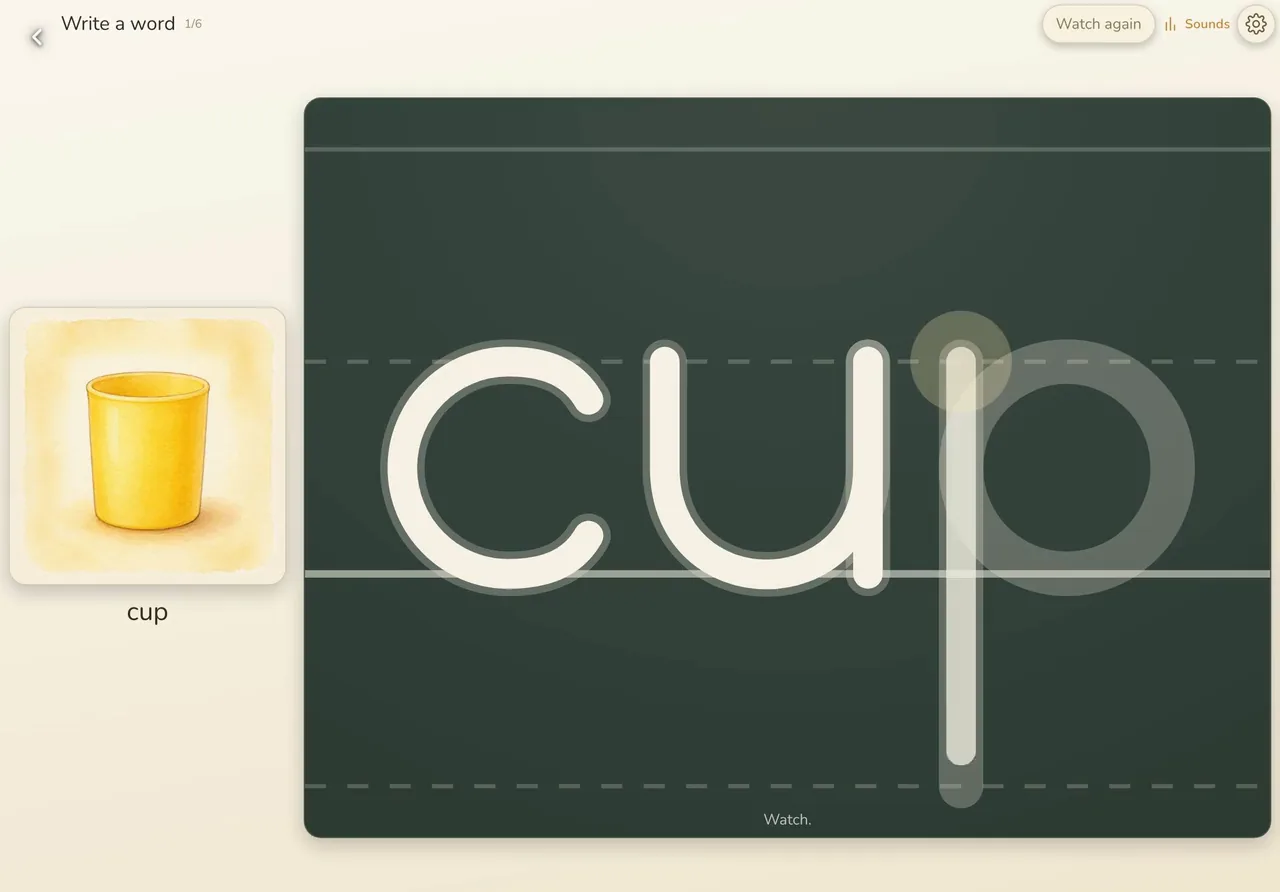
    Your child traces or types each word while hearing it, so shape and sound are learned together.

    Tracing guides each letter stroke by stroke, in the right order, and capitals are included. Typing works on a real keyboard or the one on screen, which gently marks the right key if your child is stuck.

    For children ready for more, a spelling mode says a word, your child writes it from memory, and the handwriting is read to check the spelling.

    Tanuki's Tower and Night Flight

    Your child hears a sound and catches the match: listening practice that feels like a game.

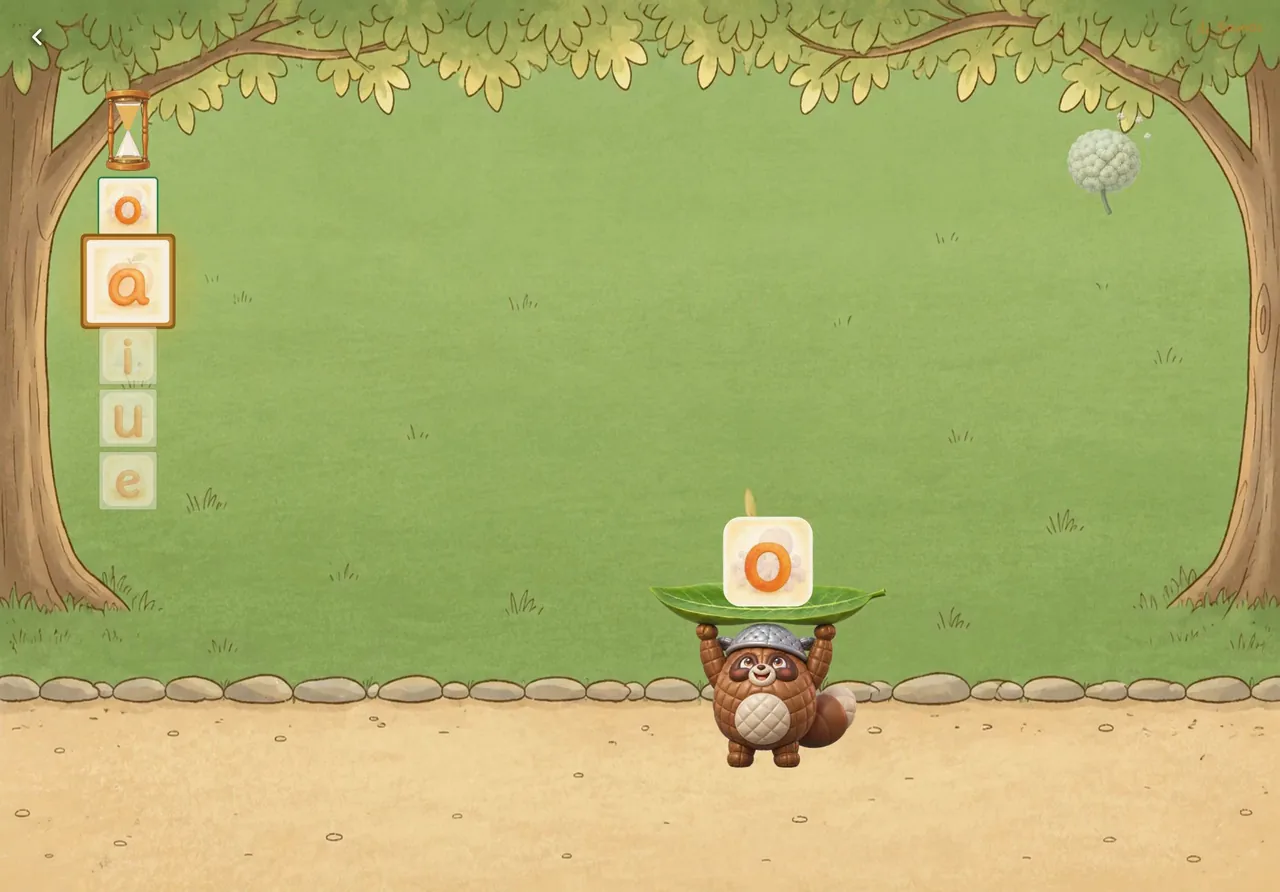
    In Tanuki's Tower, Tanuki catches the right answers on his leaf and builds a tower with them. A wrong one brings it down. In Hoshi's Night Flight, Hoshi flies through the night sky, collecting the right ones and dodging the rest.

    Both games come in a phonics version and a vocabulary version. The phonics games have three levels, from single sounds to the ones most often mixed up.

    Step by step

    A star for every book

    Each first read earns a star, and a full jar of 40 stars trades for a Mukashi friend.

    The Schoolhouse jar holds 40 stars, one for each book, so it fills as the books are finished. When it's full, Hoshi offers a trade: the stars for a gift. Your child chooses one of 20 Mukashi friends to keep: digital plush friends, Tanuki and Axolotl among them.

    The stairs up

    Stairs to the story worlds stay in sight from day one, showing your child where the books lead.

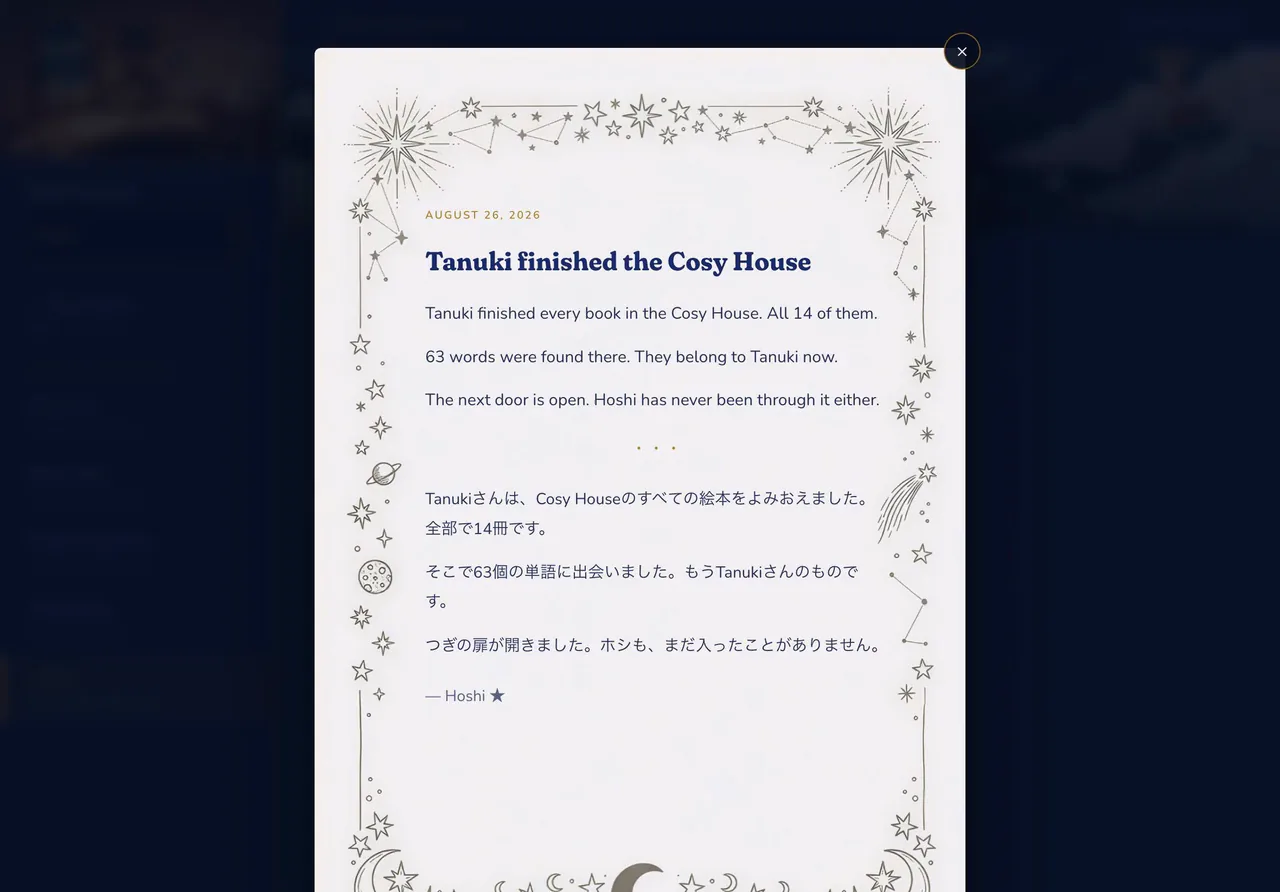
    Once all 40 books are read, the stairs begin to glow, and Hoshi has one line waiting: The door is open. One step up leads into the story worlds, starting in the Cosy House at Eiken 5. Everything learned down here gets used up there. Hoshi writes you a letter to mark the day, too.

    For grown-ups

    For grown-ups

    The teacher's corner

    Grown-up tools for choosing the exact words to practice and printing sheets to use off the screen.

    A grown-up question keeps small hands out. Inside, you can build a practice from the exact words you choose, by topic or one by one, then use it on screen or print it as a tracing sheet. There's a picture dictionary to print, a word wall with one sound per poster, and a teacher mode for the catch games where you pick the sounds.

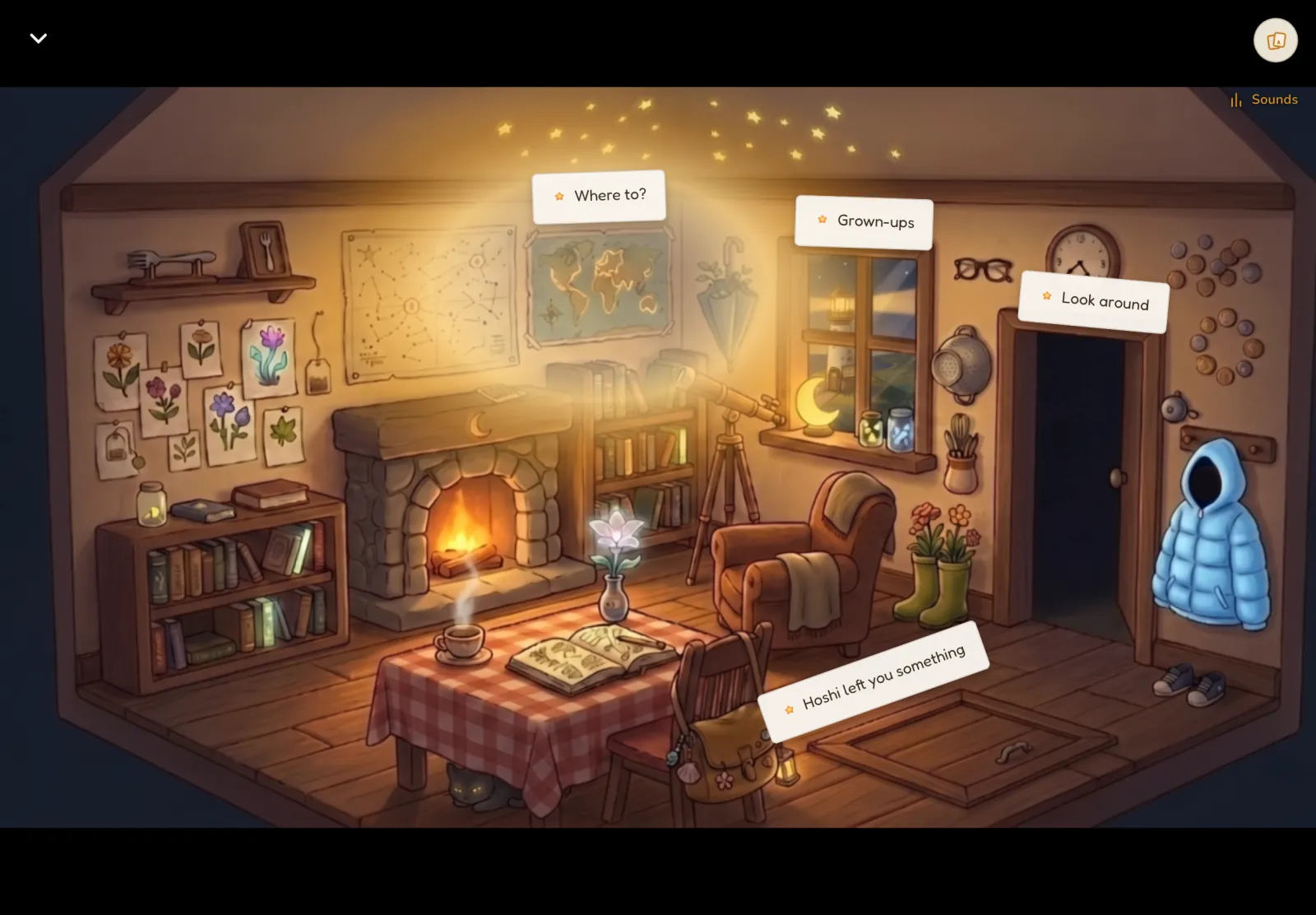
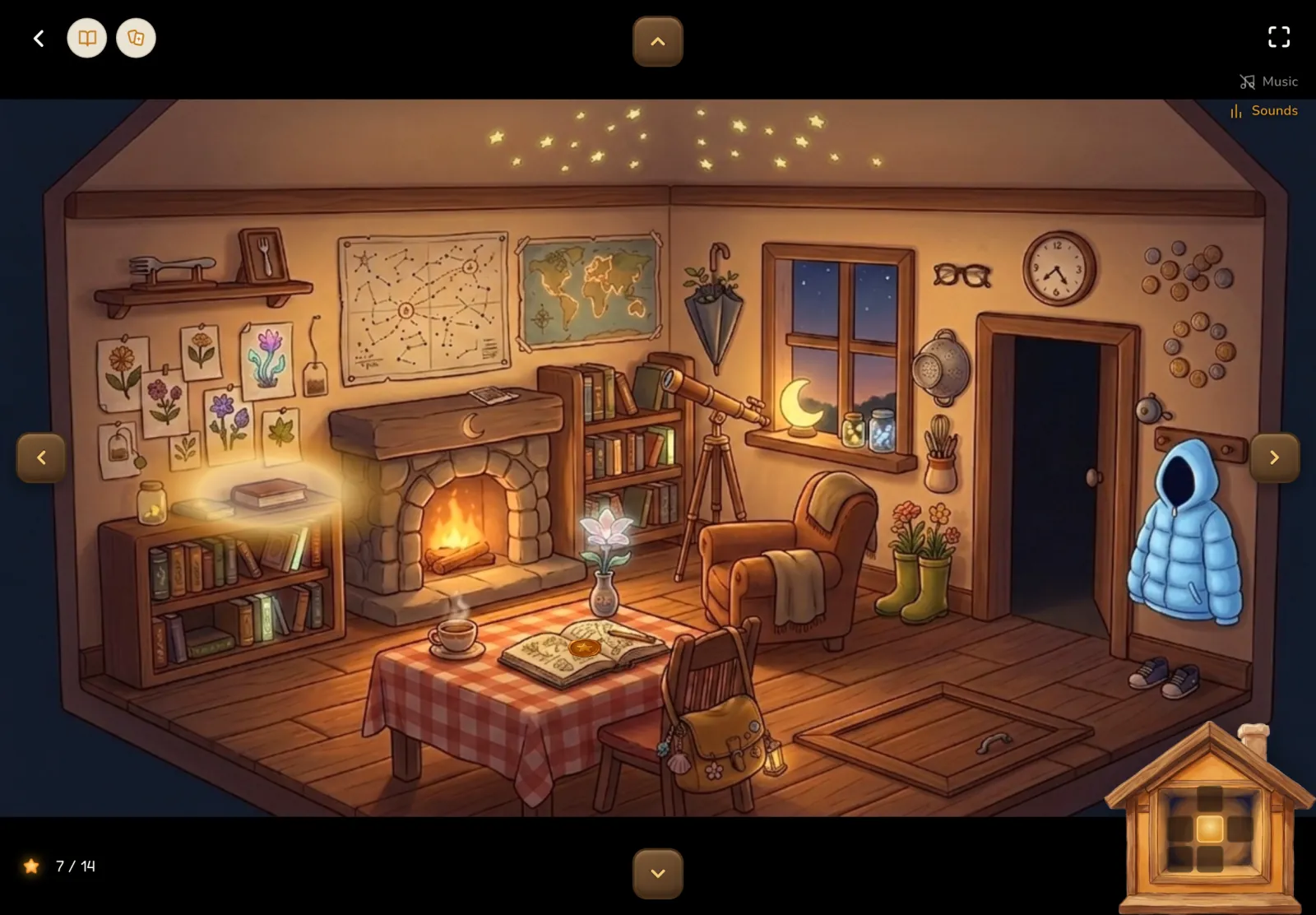
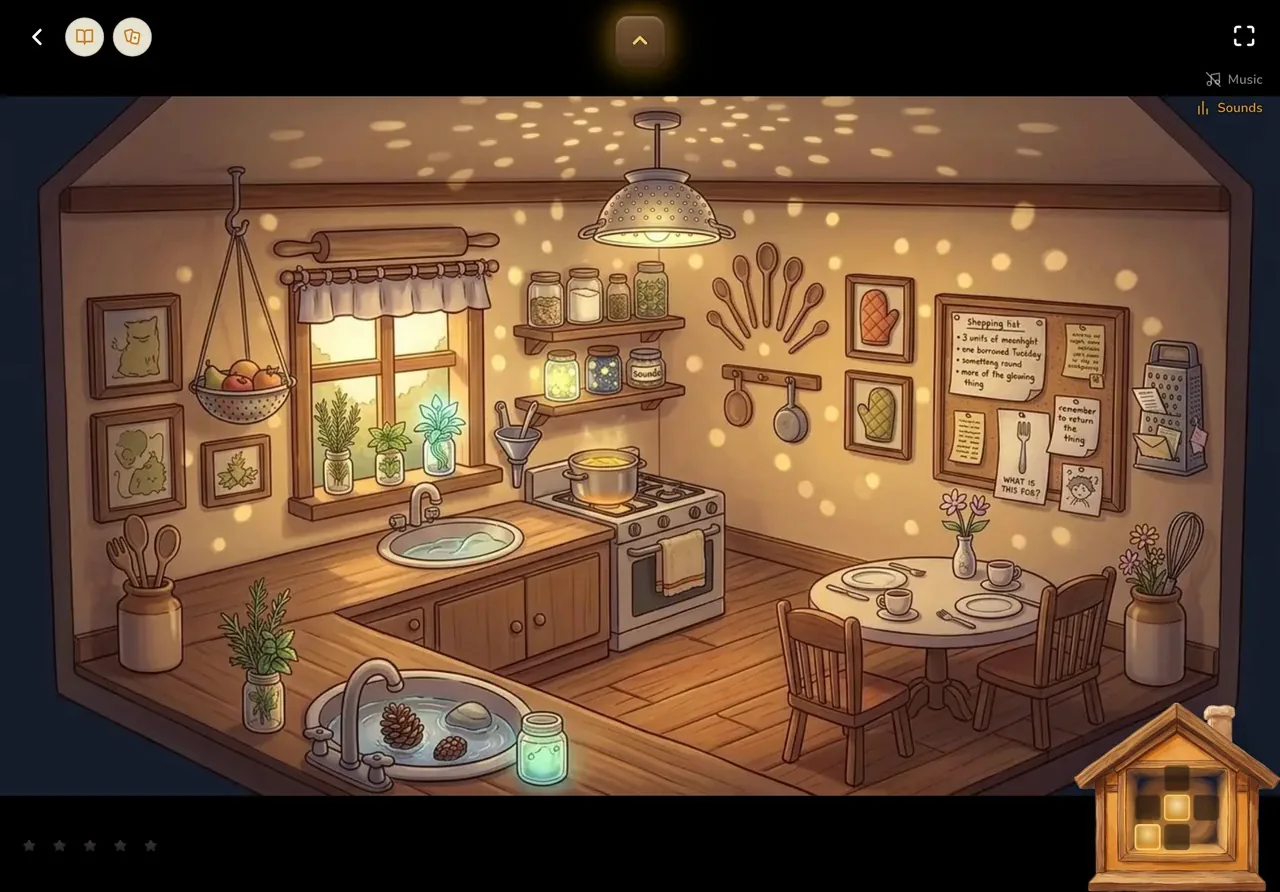
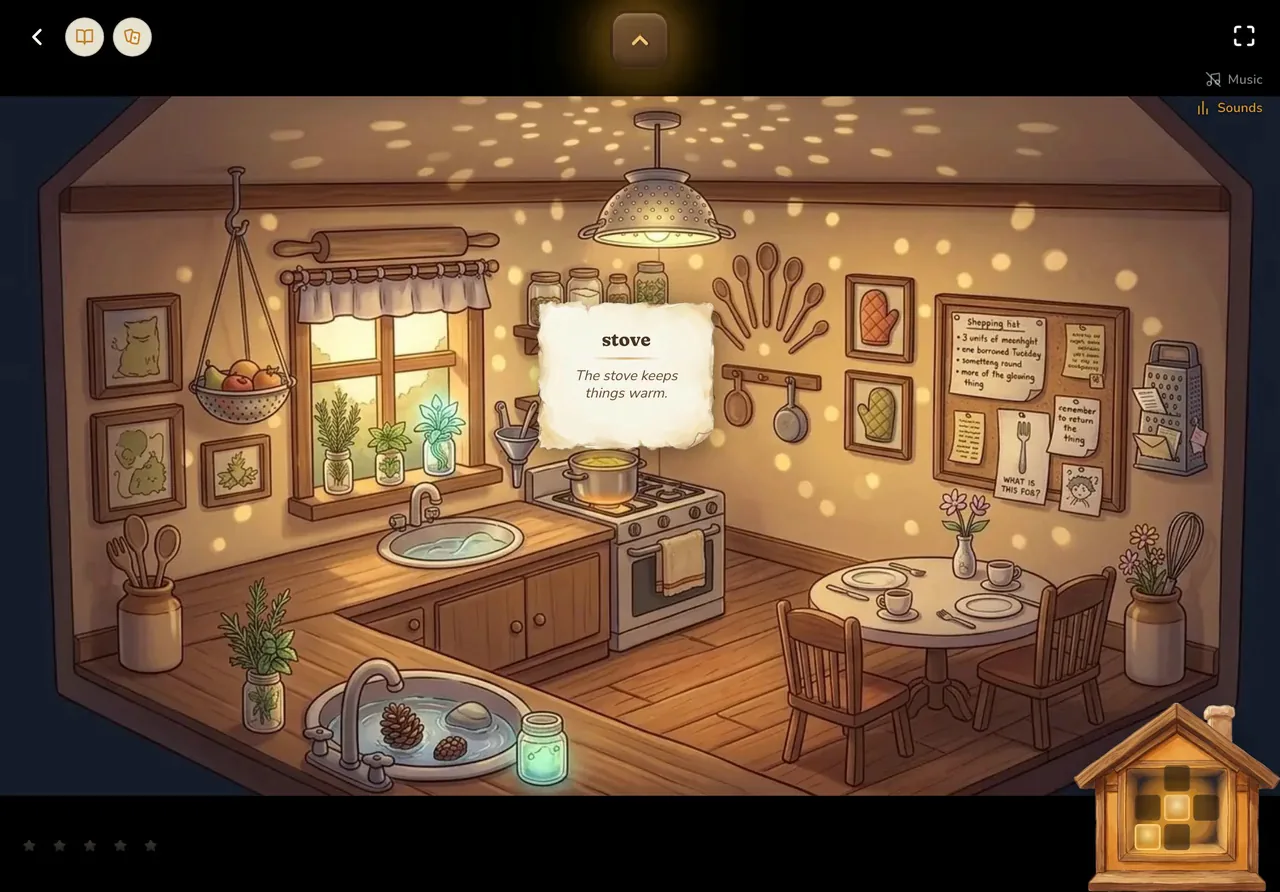
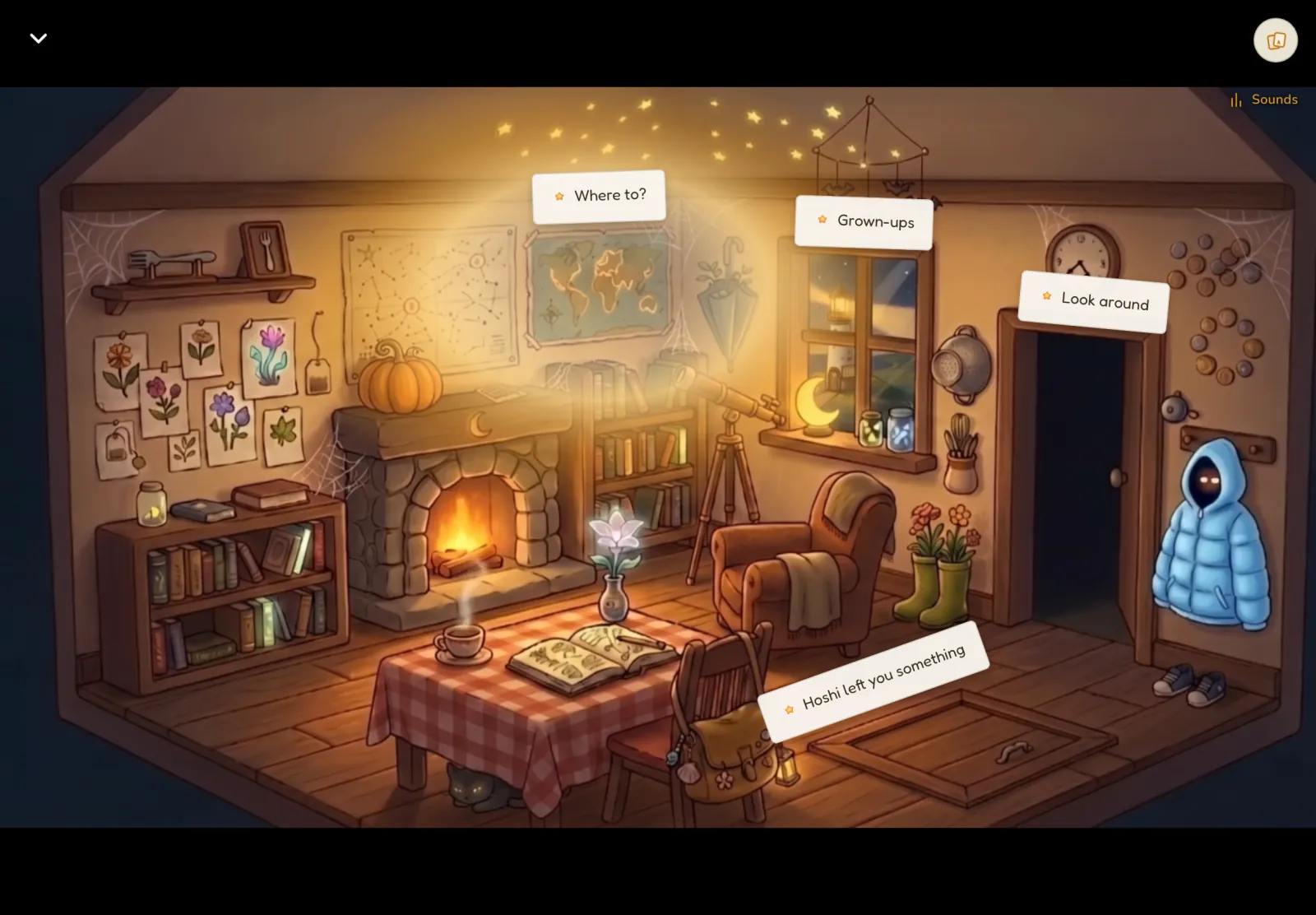
    The Cosy House home screen in the app: a firelit room with a world map, a window, a doorway and a trapdoor, each with a small paper label.
    Every Reading App feature (12)

      Reading

      Read to, then read along

      Words light up as each story is read aloud, so your child can listen first, then read along.

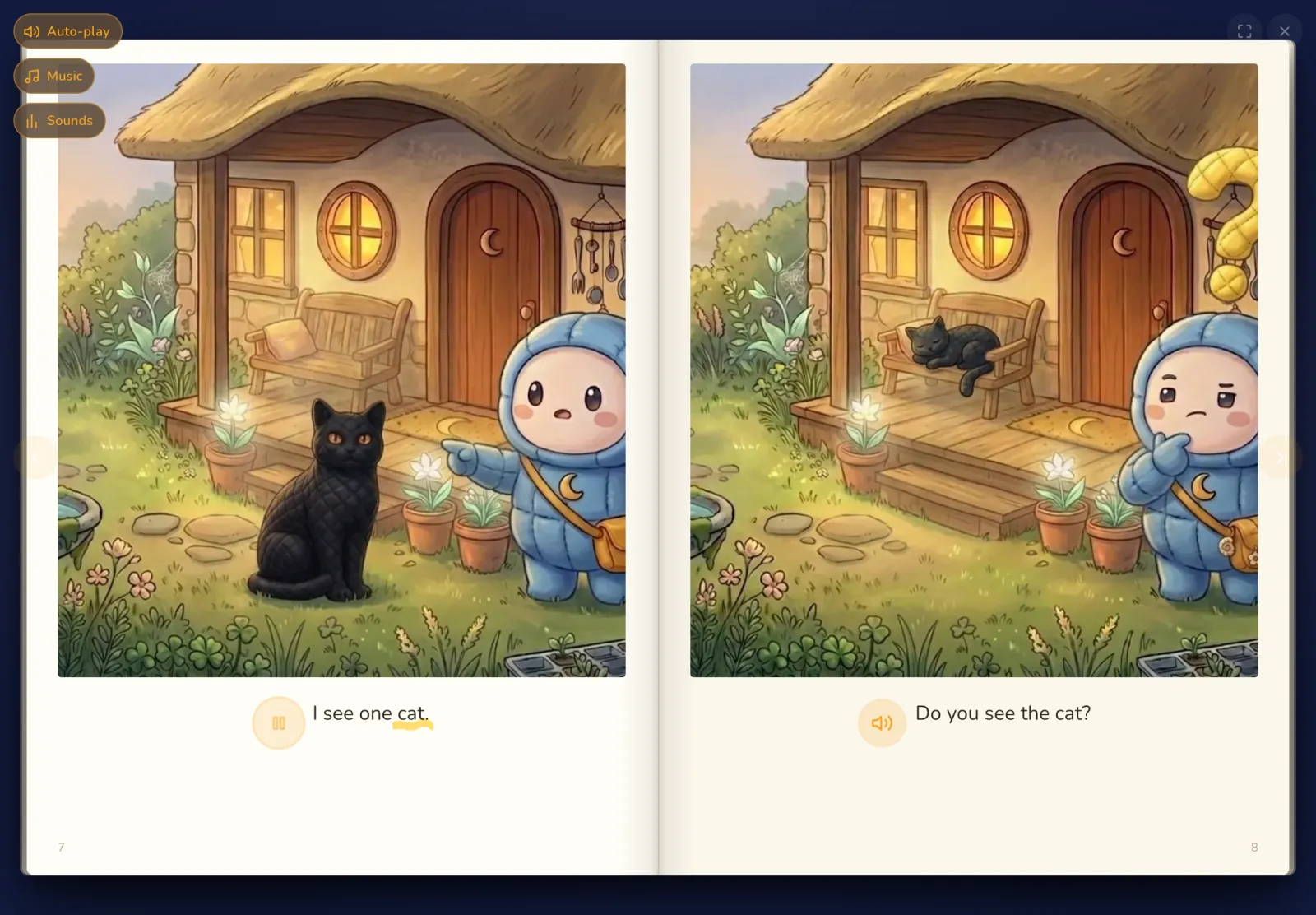
      The title is read aloud, then every page. Each word lights up as it is spoken, like karaoke. A gold speaker replays any page, and a tap on any word plays just that word.

      Turn auto-play off and the voice stops, but the words keep lighting up at reading pace. Your child reads out loud with the light. That is shadowing, and it turns listening into speaking.

      Help Hoshi

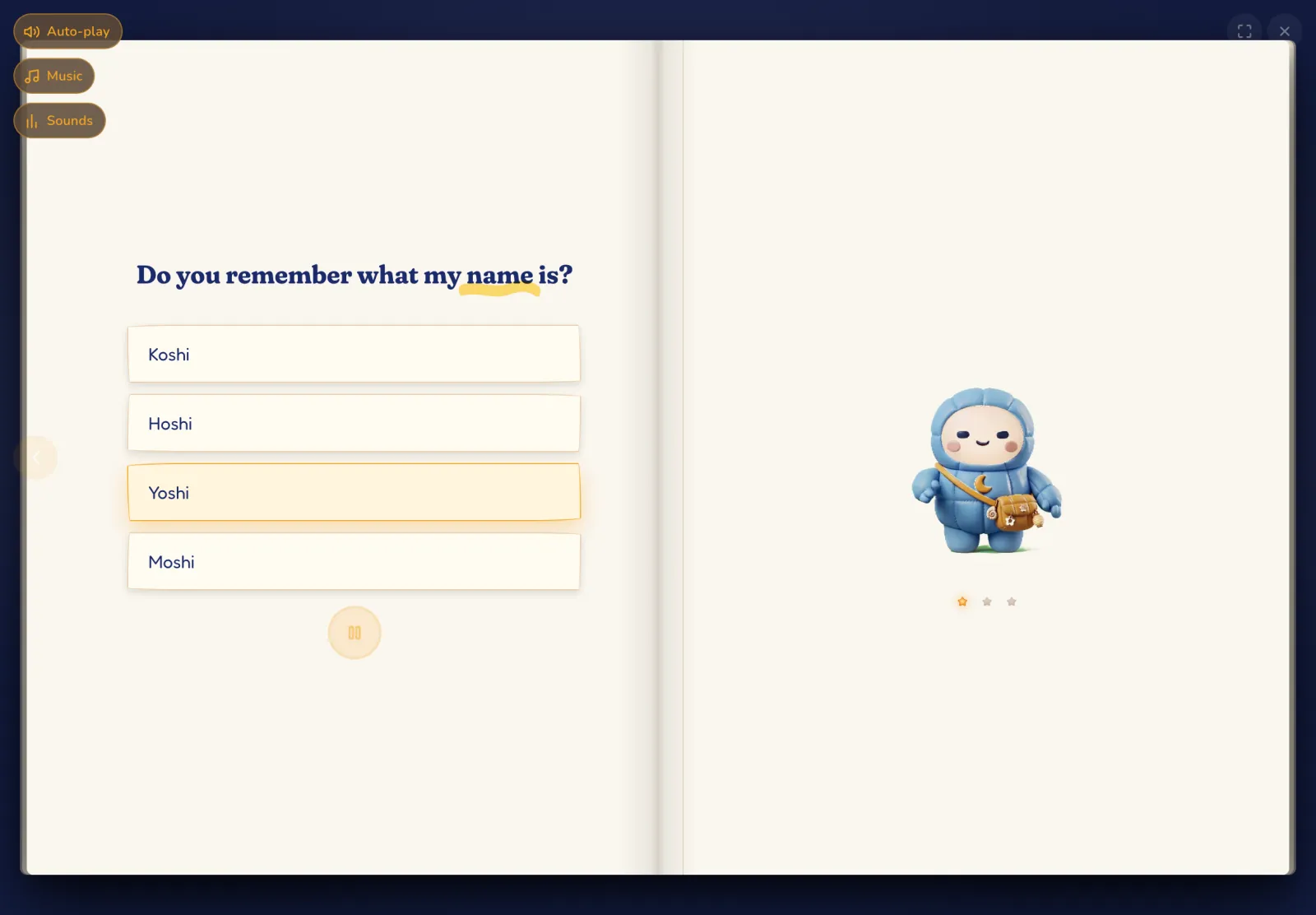
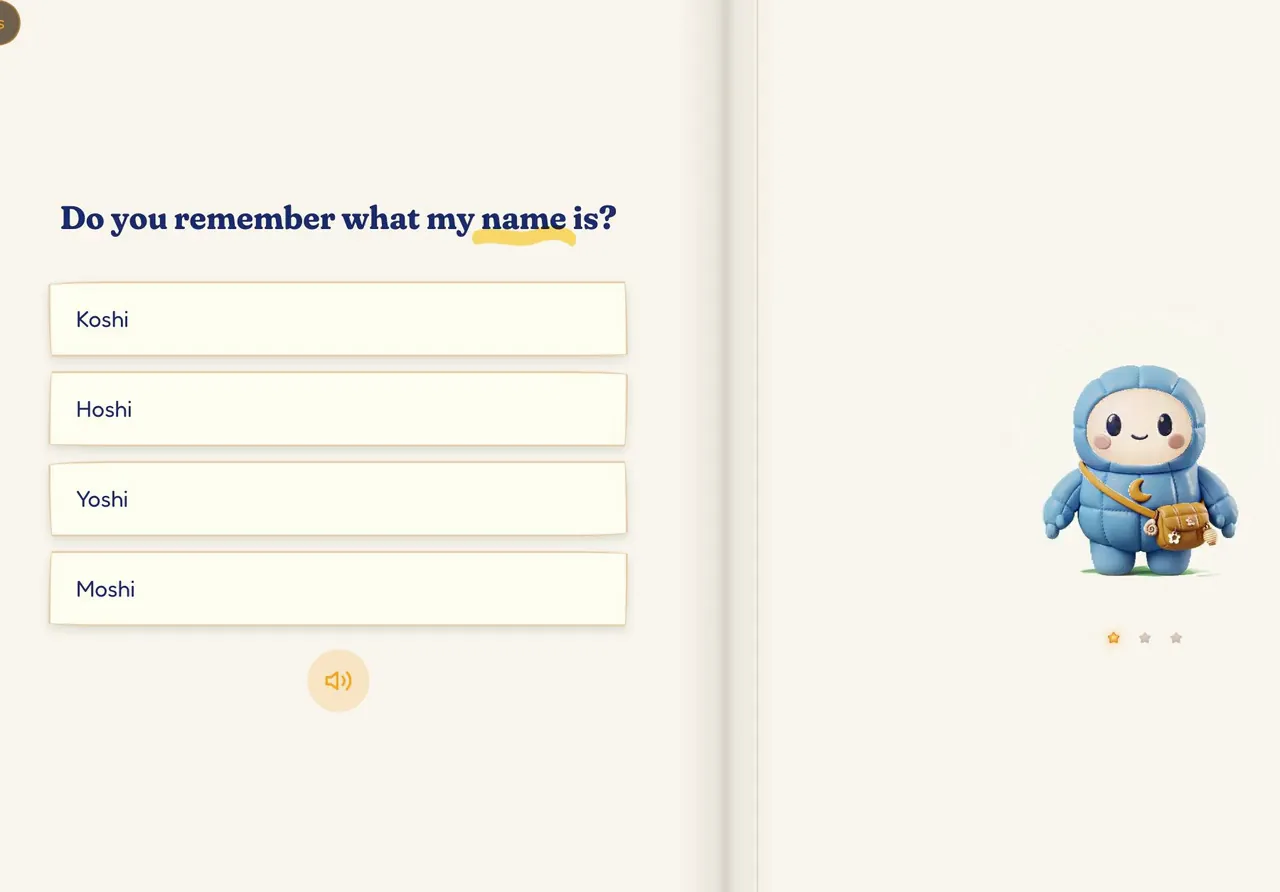
      After each story, Hoshi asks your child for help: a comprehension check that never feels like a test.

      Hoshi reads each question aloud, so even a child still learning to read can answer. A wrong choice gets one gentle retry, and Hoshi responds to each one.

      Then comes a picture round built from snapshots of the book's own pages: which one is it? It is practice, never scored. The answers to Hoshi's questions appear in your Lighthouse, book by book.

      New words come home

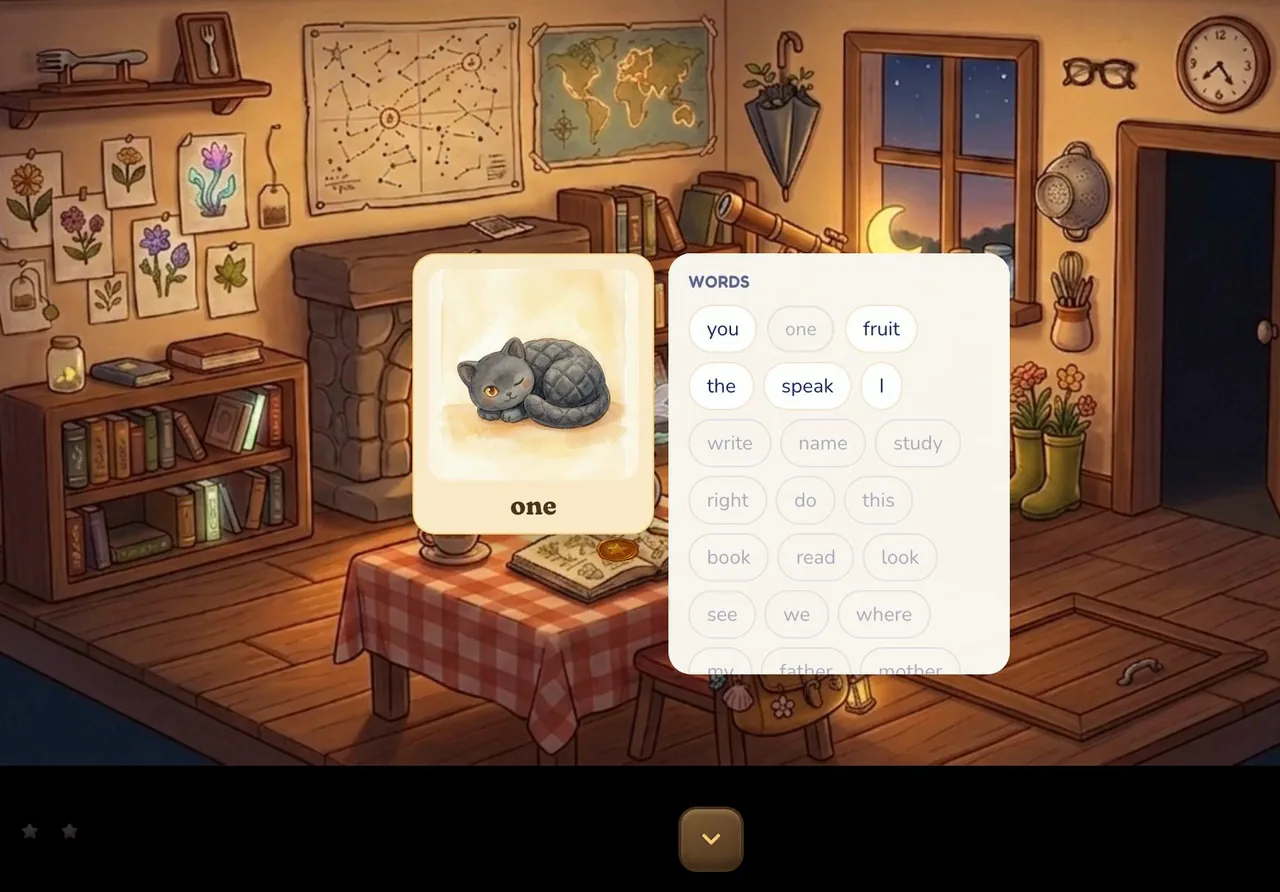
      After each story, its new words pop up one by one, a small celebration of what was learned.

      Your child steps back into the world, and the words start to arrive. One at a time, each pops up as a picture card. Hoshi says it out loud. Then it is inked into Hoshi's Notebook, marked as learned.

      It is a small moment, and a clear one. The story worked. These words belong to your child now.

      Exploring

      Worlds to walk through

      Stories live inside illustrated rooms your child walks through, so reading becomes a place to return to.

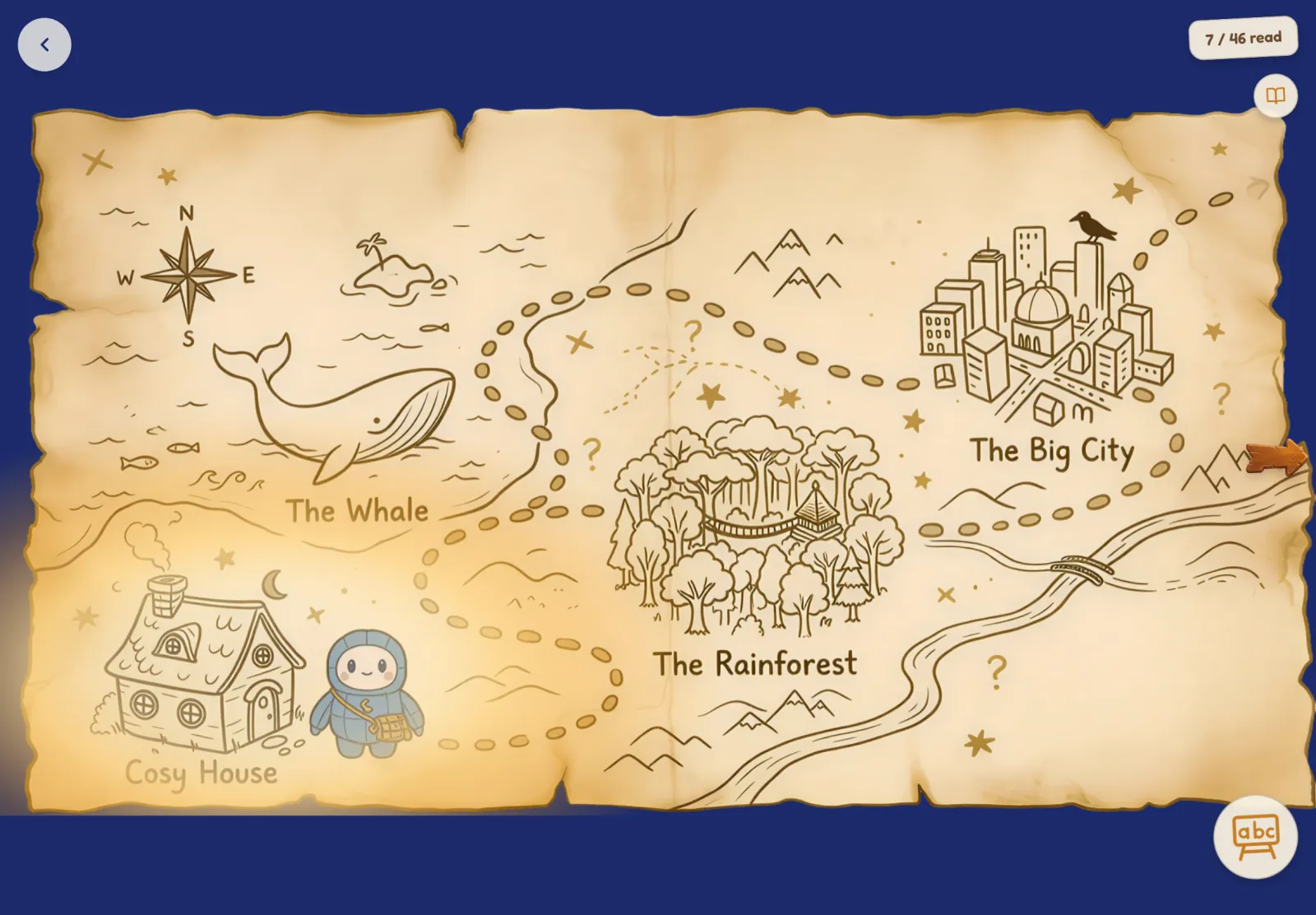
      Cosy House has five rooms and a basement. Inside the Whale has six rooms. The Rainforest is open to explore, and its stories are on their way. A small map and wooden arrows lead from room to room, and a short film opens and closes each world.

      Rooms remember what happened. After one story, Hoshi's Bedroom is painted white, and it stays that way.

      Tap anything, learn its name

      Tap anything in the room and it says its English name, so curiosity turns into vocabulary.

      A paper tag appears and the narrator says the word. A new word arrives with a bubble-pop and its own picture card.

      There are surprises to find, too: a doorbell, a bird, a pan on the boil. The fire lights and crackles. Children explore to see what happens next, and collect words on the way.

      World map and Word Journey

      The map shows how far your child has traveled and which world glows next: progress they can see.

      The next world glows. A finished world is stamped with a gold wax seal. Worlds still to come wait in the fog. Every world your child has opened can be visited again from here.

      The Word Journey counts the words your child has found, out of every word in their Eiken level. Each one can be heard again. It shows the words adding up.

      The light shows the way

      The next step always glows, so your child can find their own way through Mukashi.

      A book, then a door, then the map, then the next world: whatever comes next is lit. If your child pauses, a small light drifts over to show the way.

      The lantern on the windowsill glows warmer for each day in a row your child reads. There are no numbers. A missed day dims it to an ember, and Hoshi keeps it going.

      Words

      Hoshi's Notebook and Word Cards

      A talking picture dictionary of every world so far, marking which words your child has already learned.

      Words sit on shelves by topic, and every picture says its word. A learned word is ruled in gold. A word spotted in the world but not yet taught has a pencil edge. The rest wait, plain, for their story.

      Word Cards turn the same words into quick review: pictures, a grid, a random draw, or just the starred ones. Every card speaks.

      Practice in every world

      Five word games in every world, dealt from that world's words, so practice always matches the reading.

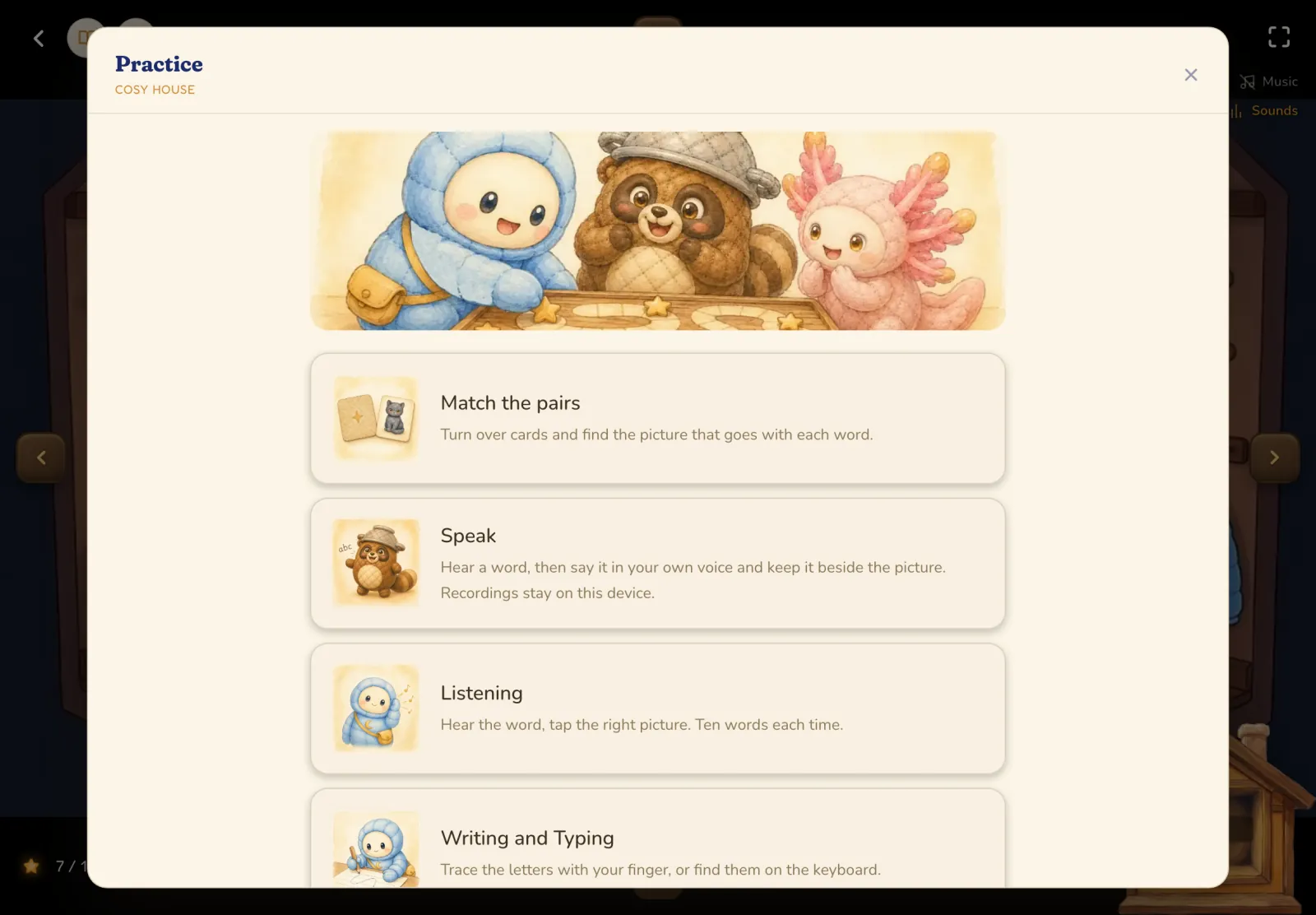
      Match the pairs, Speak, Listening, Writing and Typing, and Tanuki's Tower: the Schoolhouse's games, dealt from each world's own words. Four skills, one set of words: the ones your child is reading now.

      Behind a small teacher door: custom practice with the exact words you choose, and this world's picture dictionary to print.

      Rewards

      Gifts from Hoshi

      Hoshi leaves surprise gifts along the way, so there is always a reason to open the next book.

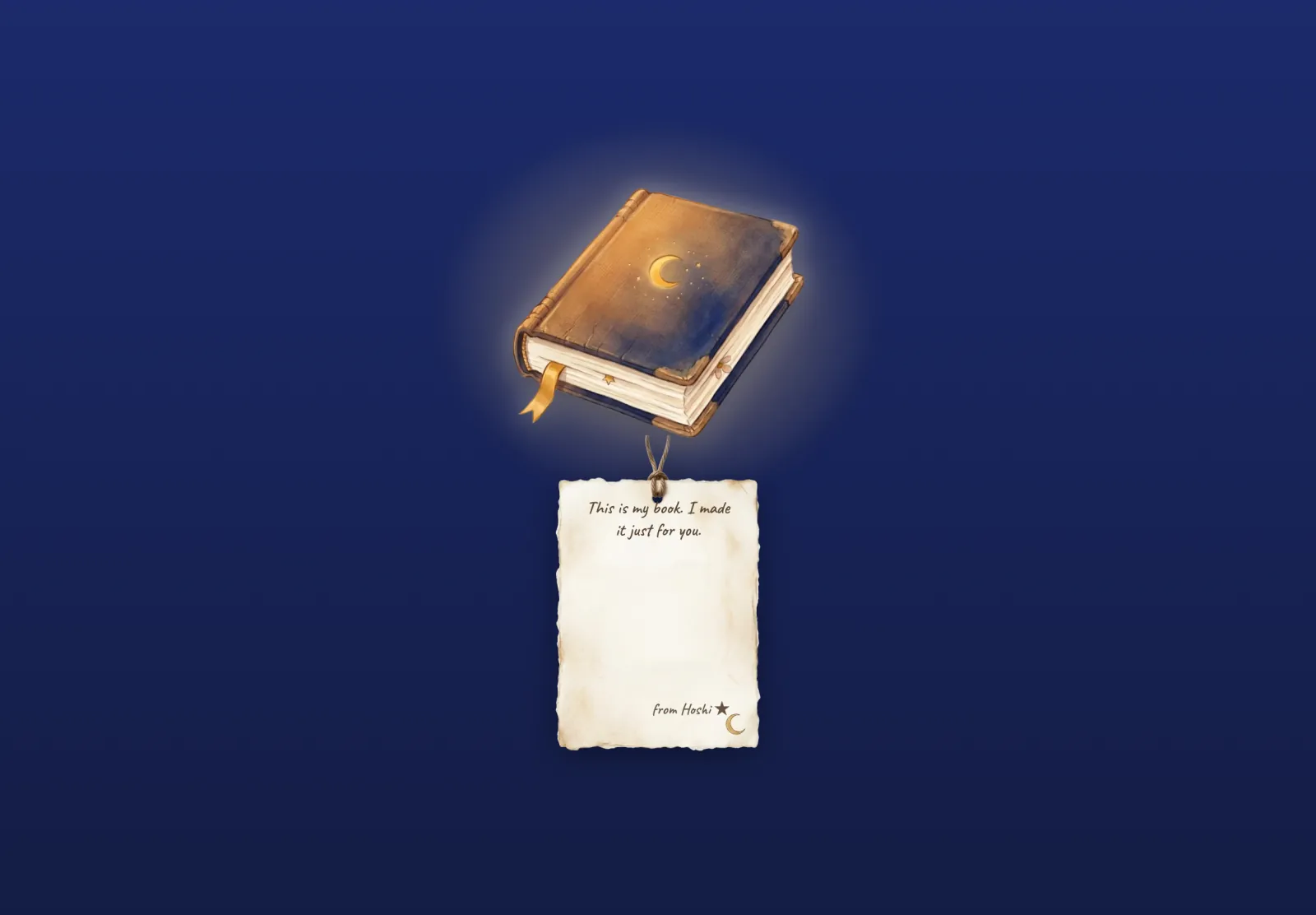
      Sometimes a first read ends with a present box, and a gift tagged in Hoshi's handwriting. Some are story keepsakes; Hoshi's Book can even be read. Reading 7, 30 or 90 days in a row always brings a gift, and so does finishing a world.

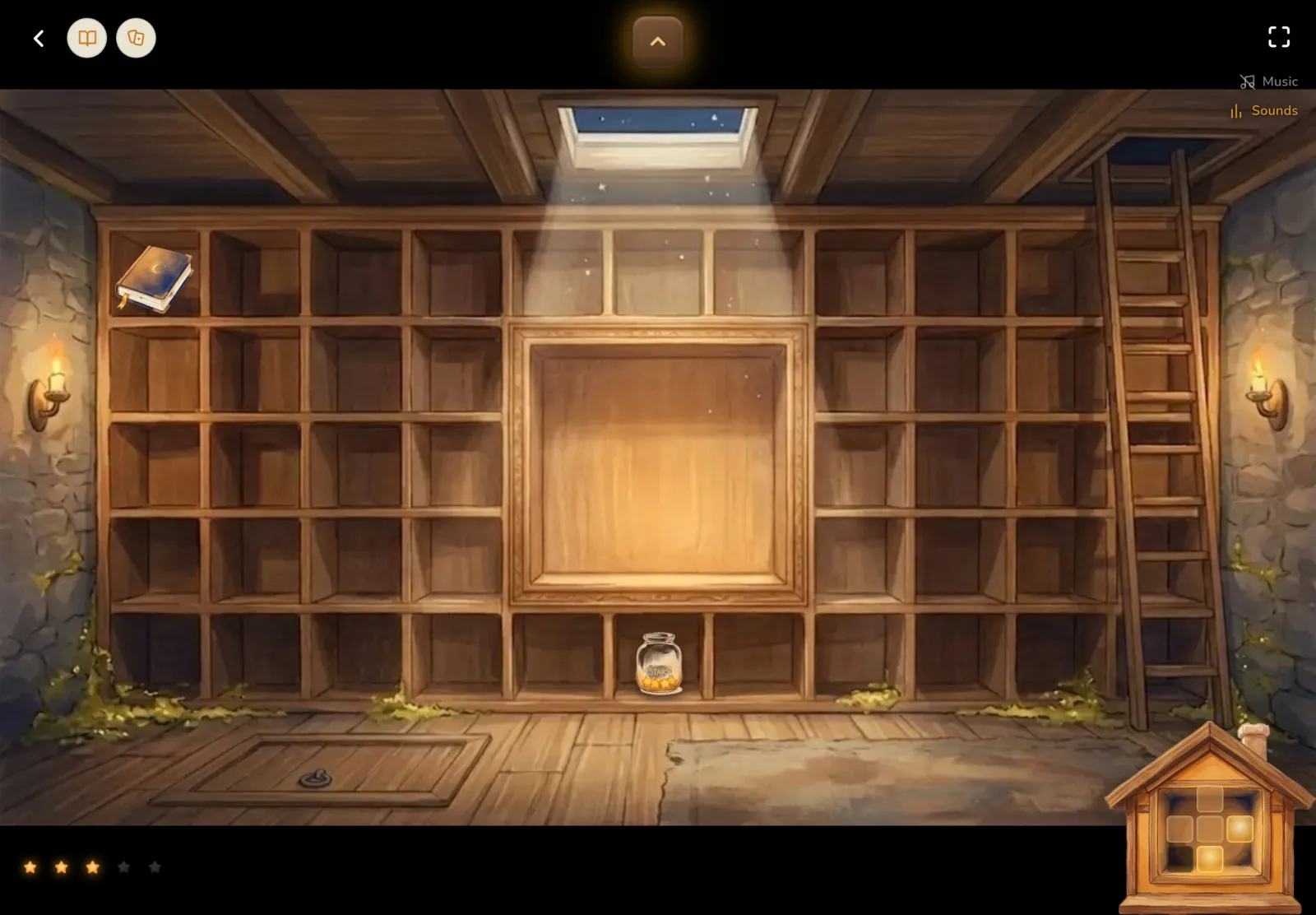
      Gifts are kept in the basement under the trapdoor. It grows to four floors, and every gift can be picked up and turned over.

      A star for every story

      Each first read earns a star for the jar, so your child can see their reading add up.

      The first time your child finishes a story, a star goes into Hoshi's jar. The jar changes as it fills, from a few stars to full, then overflowing, then legendary.

      Stories can be reread any time; the star marks the first finish. Full jars are kept in the basement, where each one can be played again.

      Seasons and birthdays

      Hoshi marks special days through the year, and your child's birthday, so the world feels alive.

      On 24 days through the year, from Setsubun to Tanabata to Christmas, Hoshi appears with a special picture and a short message. The rooms dress up for Halloween, Christmas and spring.

      On your child's birthday, Hoshi greets them in a birthday hat, and a gift is waiting. The date stays private and is used for nothing else.

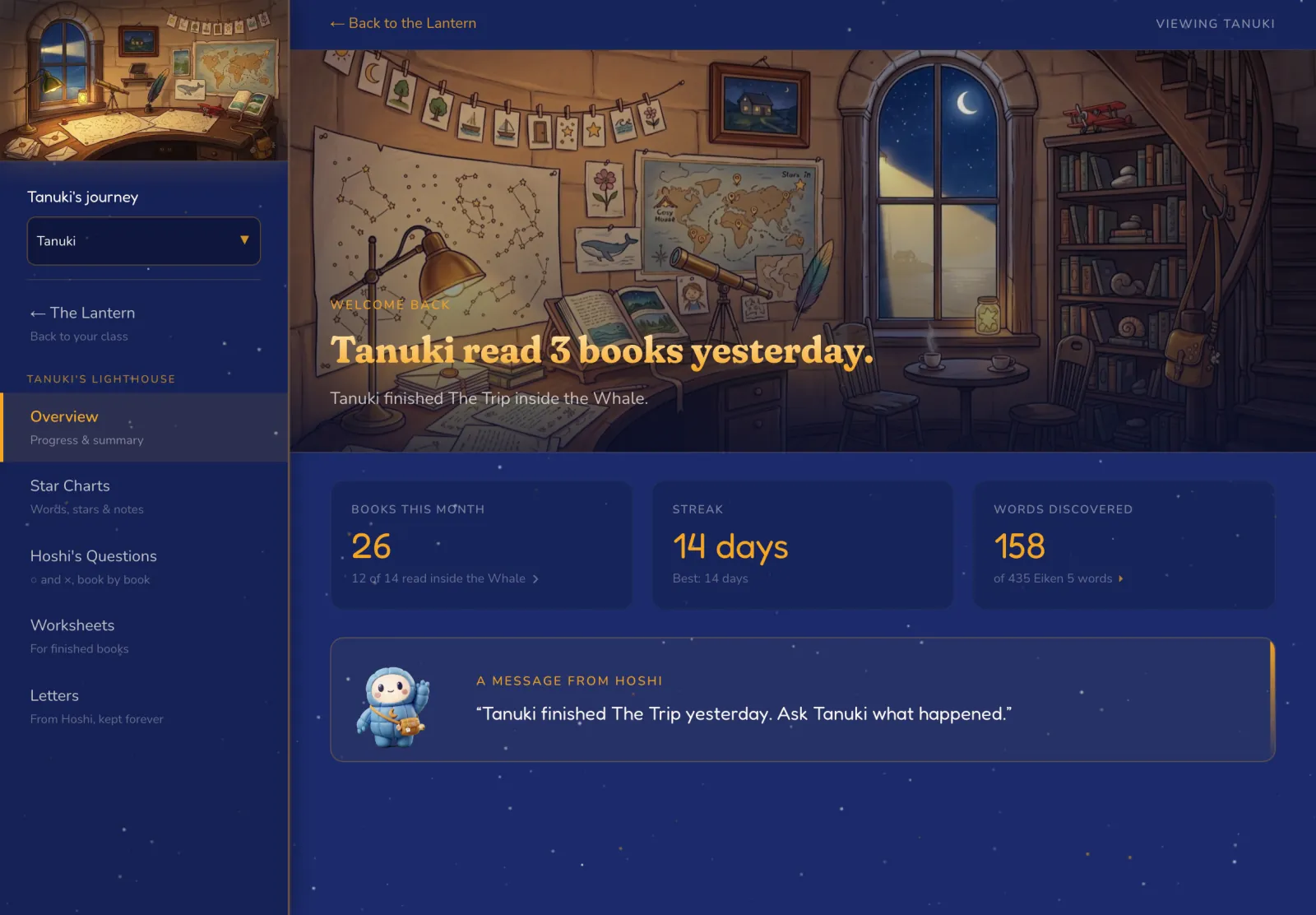
      A child's Lighthouse overview: books this month, reading streak, words discovered, and a message from Hoshi.
      Every Lighthouse feature (11)

        At home

        A message from Hoshi

        Hoshi greets you with one true thing about your child, and the month at a glance.

        It's always drawn from what your child actually did. Maybe they finished a book yesterday: ask them what happened. Maybe they've read five days in a row, and the lamp stays lit.

        Below it sit the books read this month, the reading streak and its best, and the words discovered so far. One look, and you know how things are going.

        Star Charts

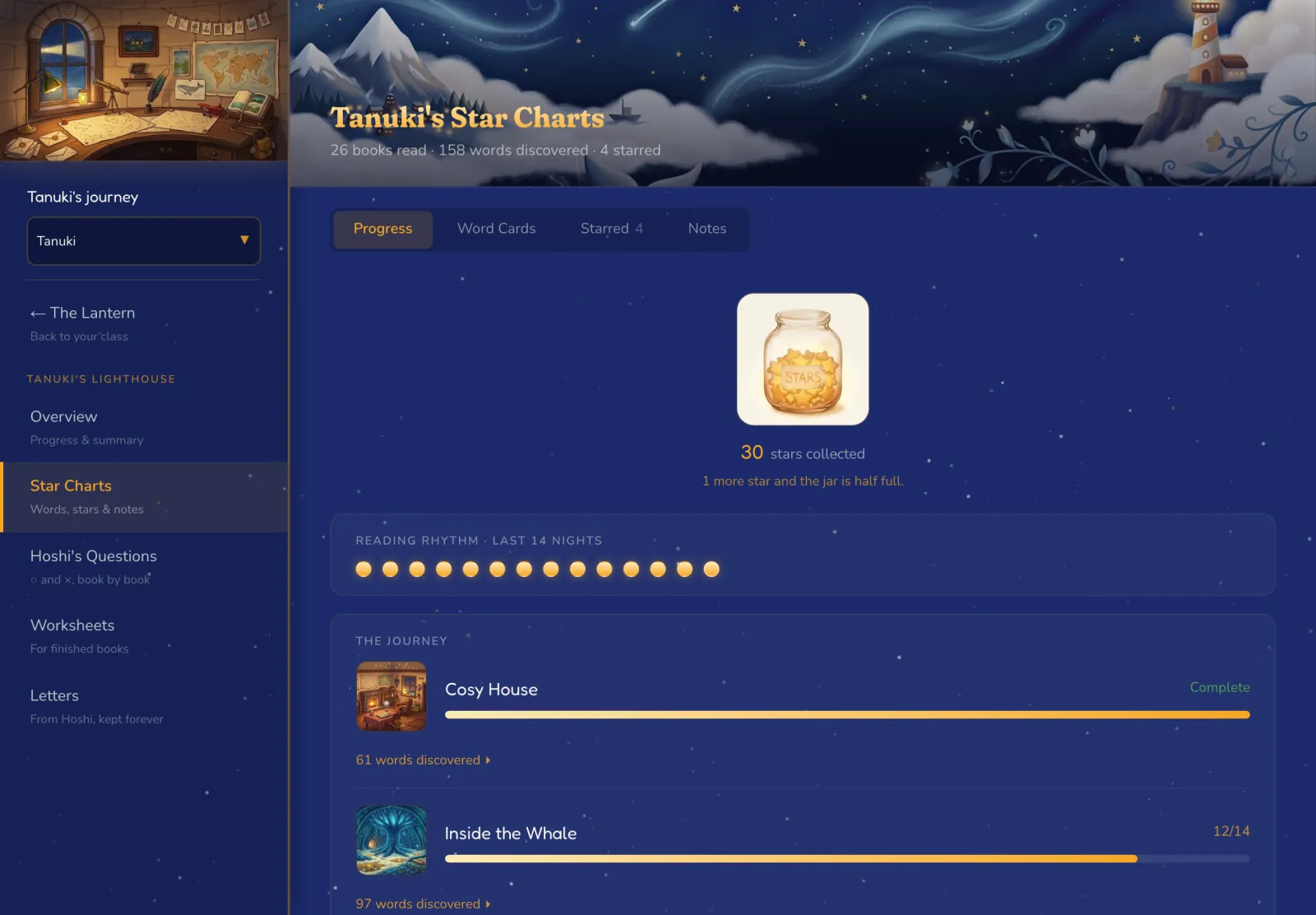
        The whole journey in one place: books read, words learned with their pictures, and stars collected.

        Star Charts show where your child is on the journey, what they've read lately, and their reading rhythm over the last 14 nights, beside their star jar.

        Every word a story teaches becomes a Word Card, with the picture it came from, and it speaks when tapped. Star the tricky ones to print as cut-out cards, and keep dated notes. Teachers see the same charts for each student.

        Hoshi's Questions

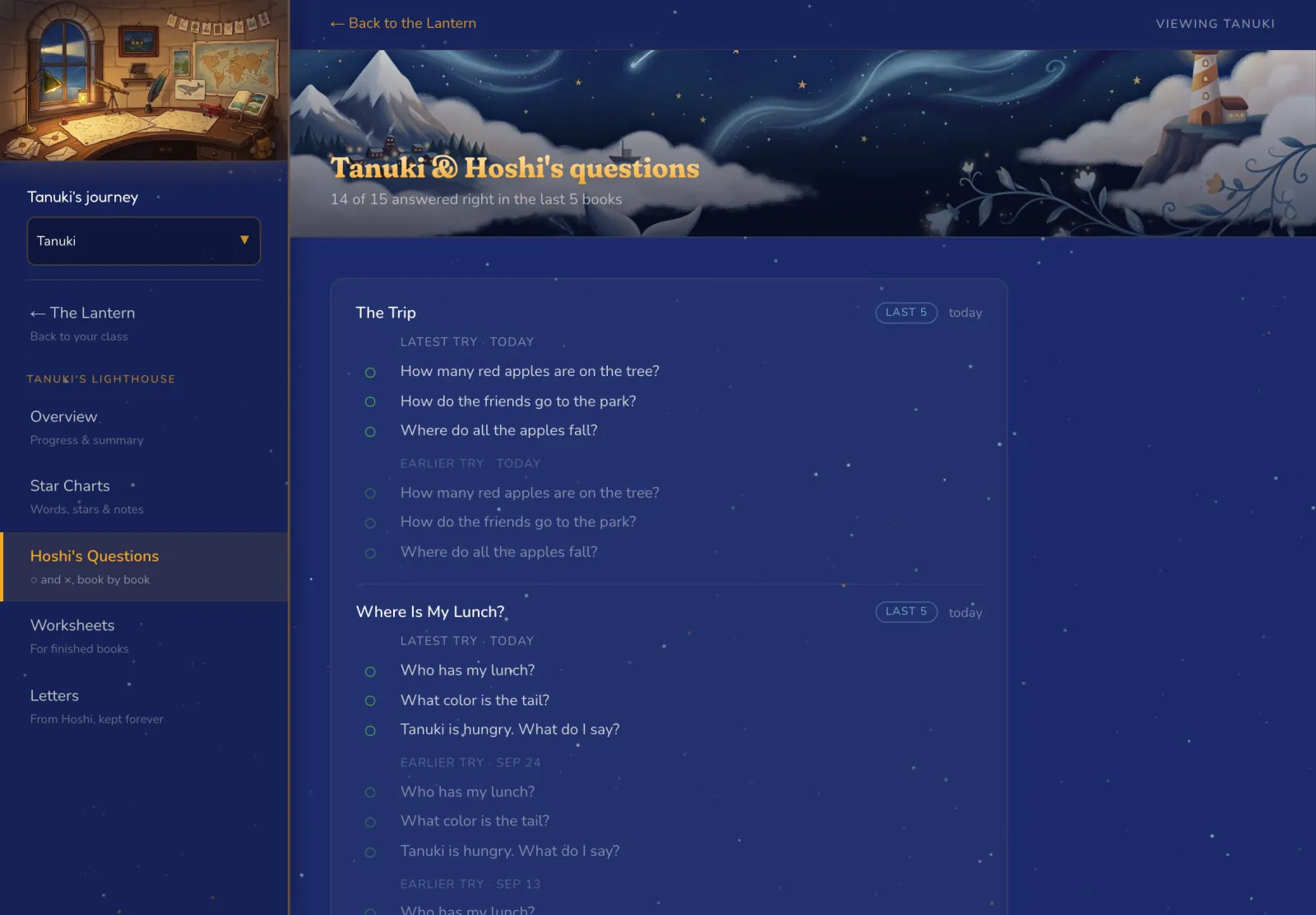
        Every answer is kept as ○ or ×, and Hoshi flags a child worth a closer look.

        Stories end with a few questions Hoshi reads aloud. You see every answer, book by book.

        If a child gets fewer than half right across their last five books, "Worth a closer look" appears. One tap shows which ones were missed, and the crosses often show a pattern: one hard word, or one kind of question. You can move that line. Children never see this record.

        Things to print

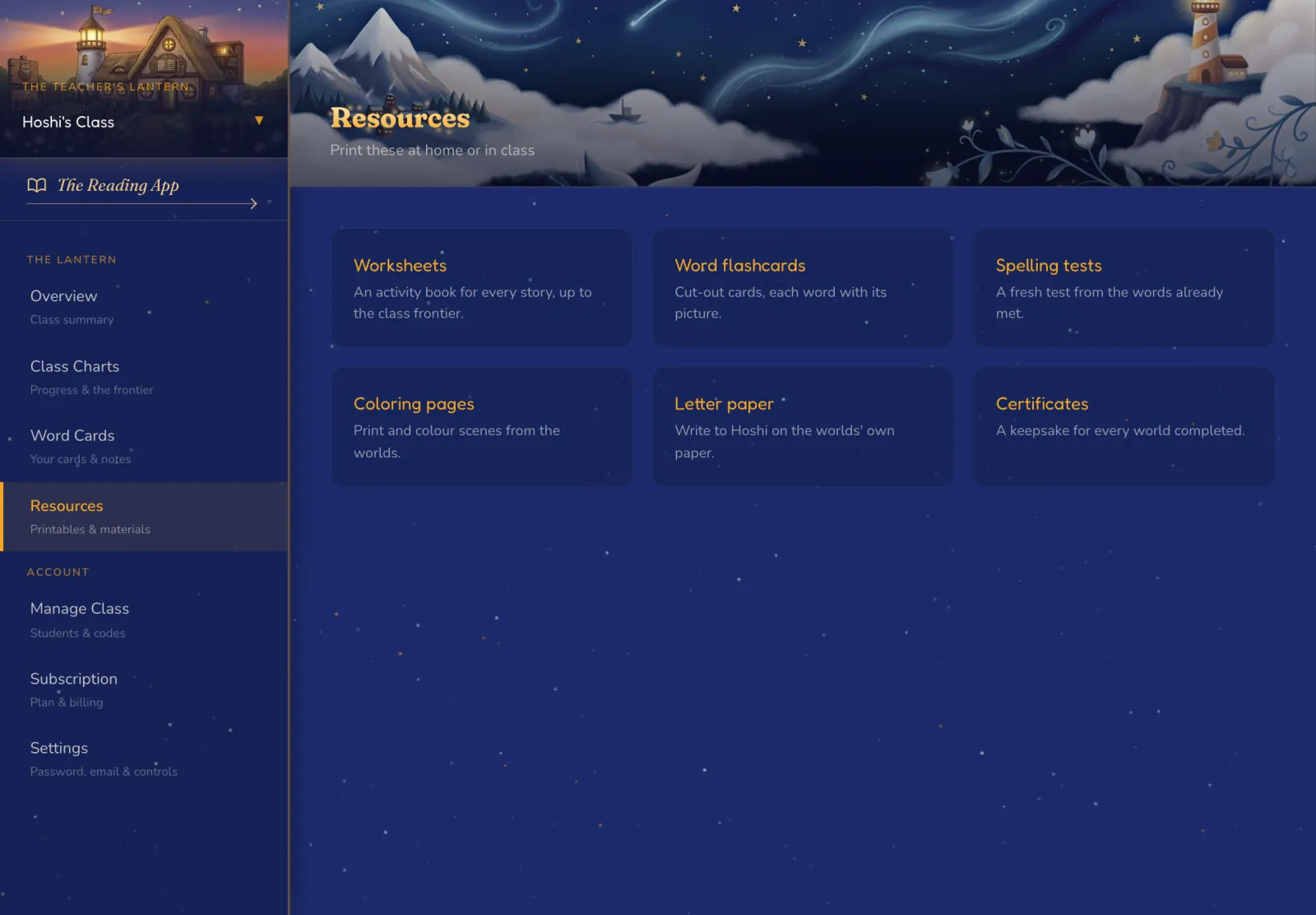
        Paper for home or class, made from the words and worlds your child has actually met.

        Cut-out word cards, each with its picture. A fresh spelling test from the words already met, ready to print and read aloud. Coloring pages from the worlds your child has opened, letter paper for writing back to Hoshi, and a certificate for every finished world, to print or email.

        It all prints on an ordinary home printer, so the story carries on away from the screen.

        Japanese or English, grown-ups only

        Both dashboards speak Japanese or English, and they stay closed to small hands.

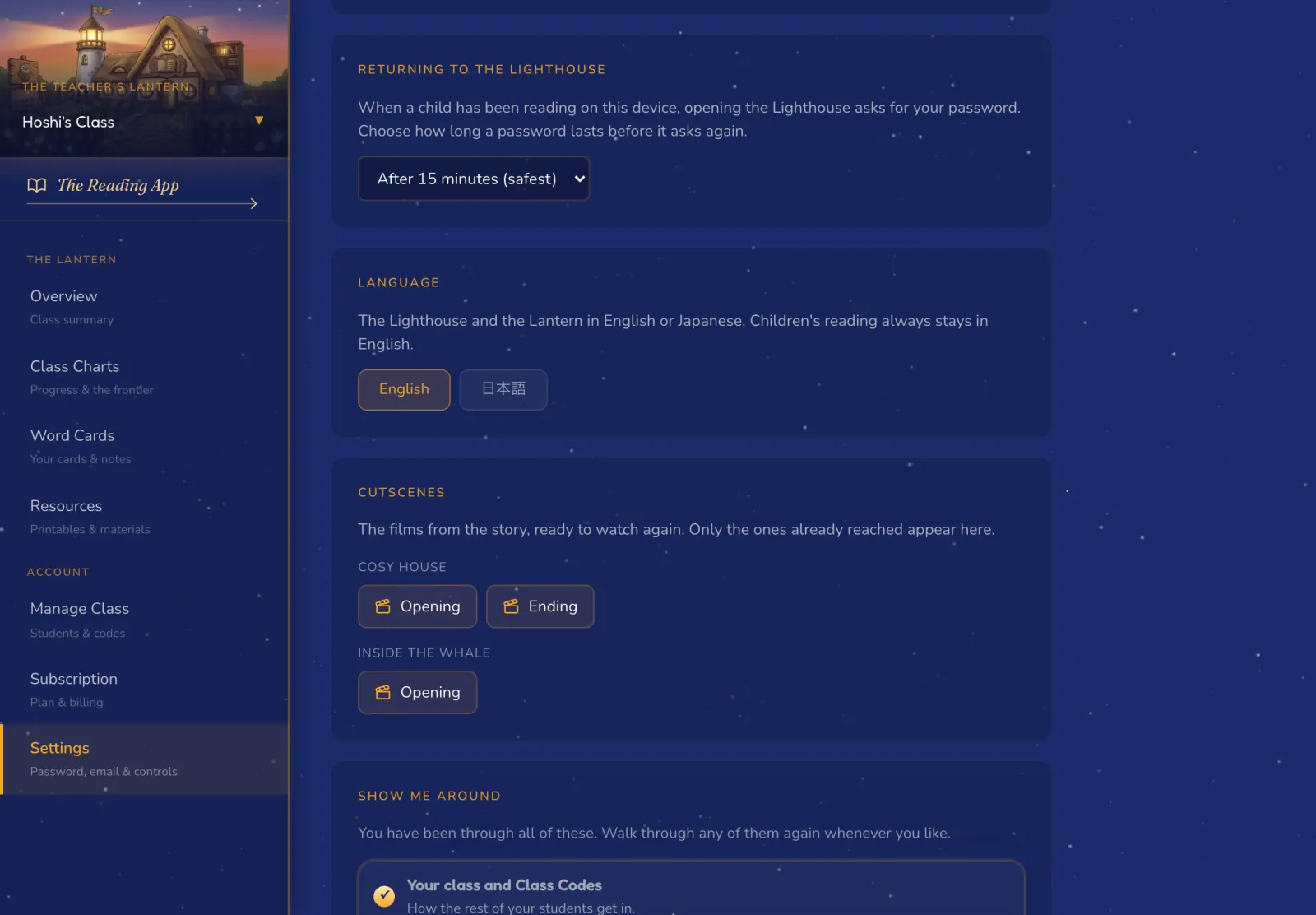
        Switch the Lighthouse or the Lantern between Japanese and English at any time. Your child's reading always stays in English.

        Once a child has used the device, opening your dashboard asks for your password, or a quicker PIN. And whenever you'd like a guide, "Show me around" offers short walk-throughs you can stop at any point.

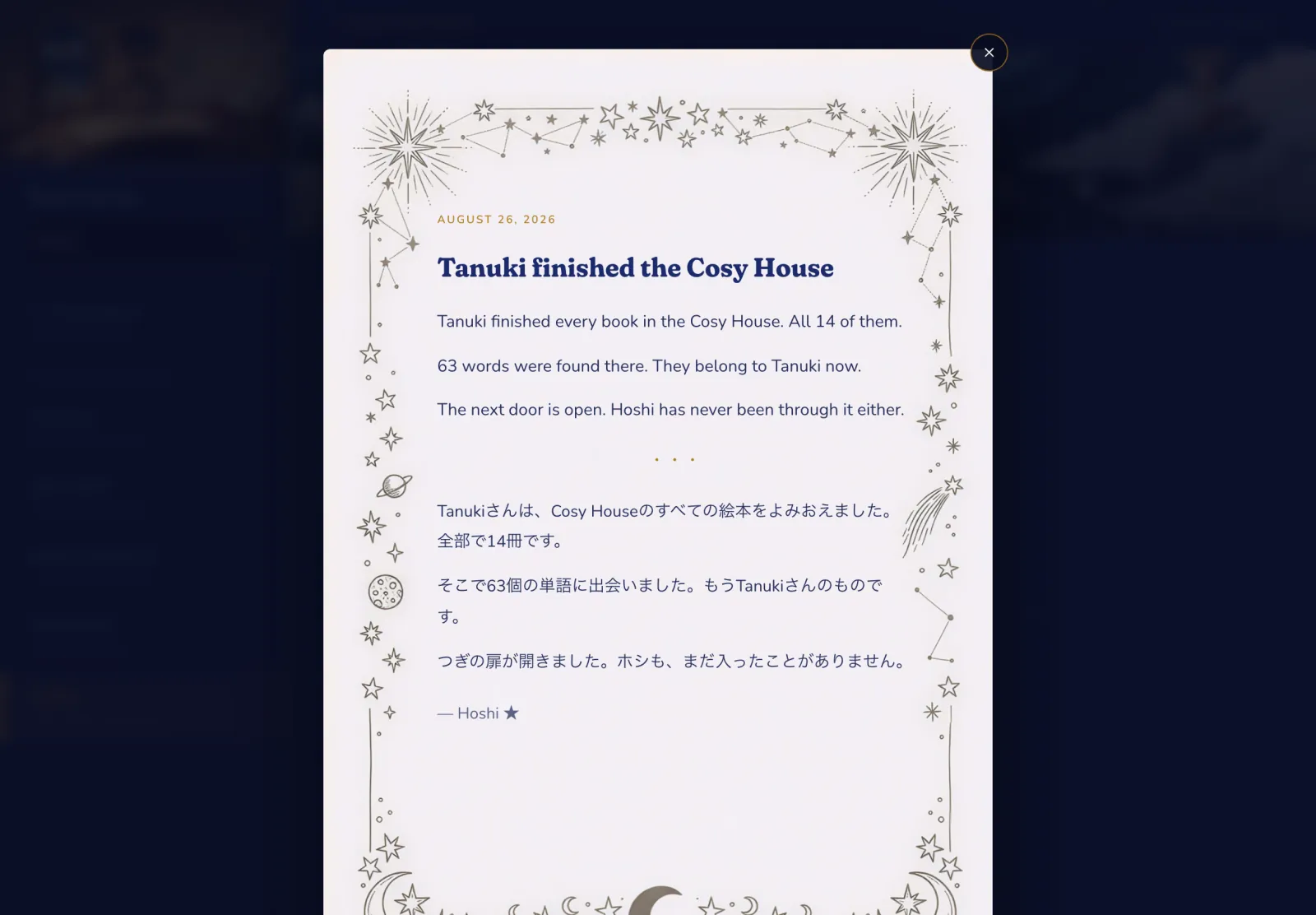
        Letters from Hoshi

        Hoshi writes when something is worth keeping, and every letter stays in the Lighthouse.

        The first comes with your child's very first book. More come when they finish the Schoolhouse or a whole world, and those reach your inbox too.

        Each one is short and written about your child alone. Read them again whenever you like, or forward one to a grandparent. Teachers find each student's letters in that child's own lighthouse.

        At school

        For schools

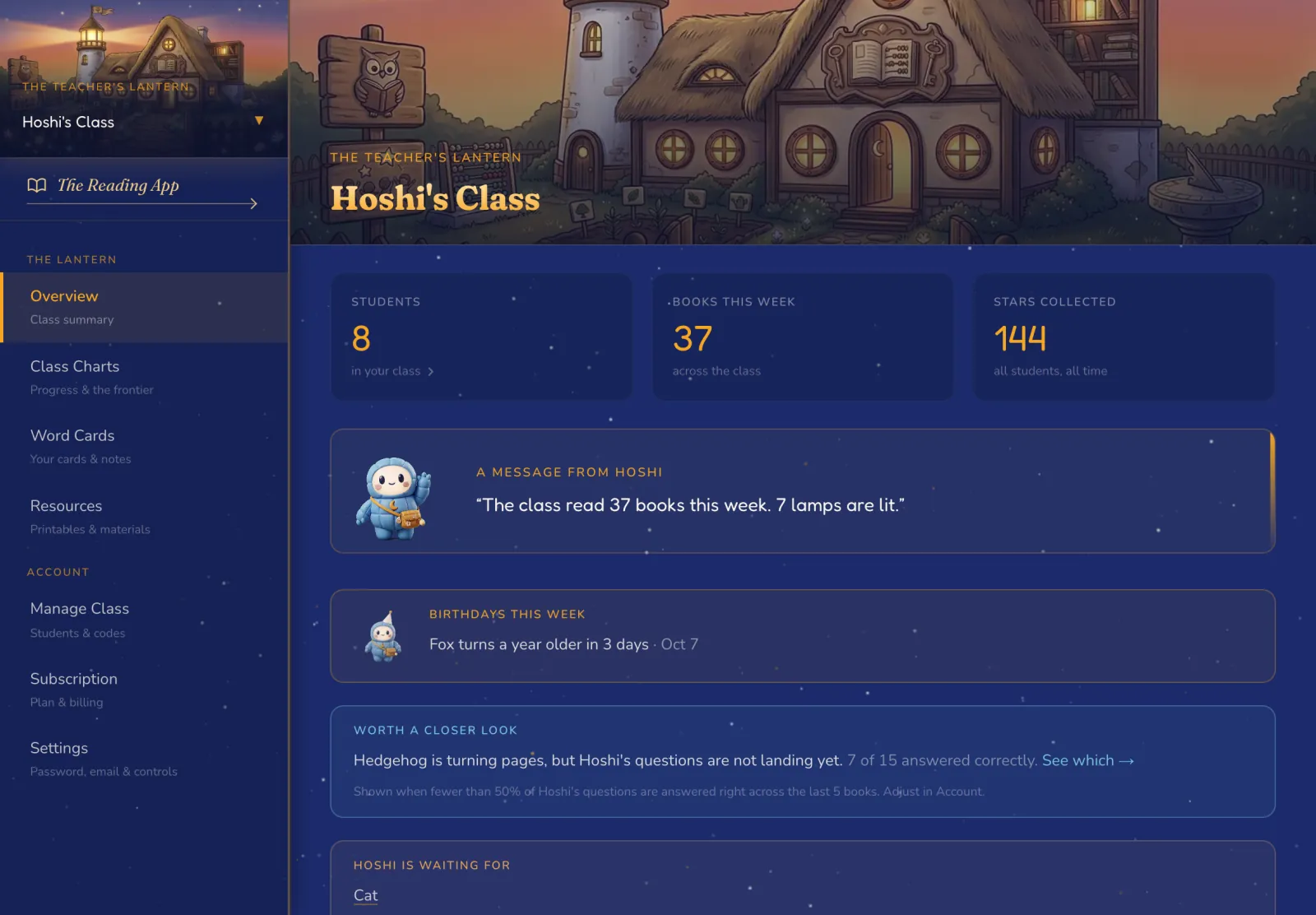
        The Teacher's Lantern

        The whole class on one screen, with Hoshi pointing out who needs you next.

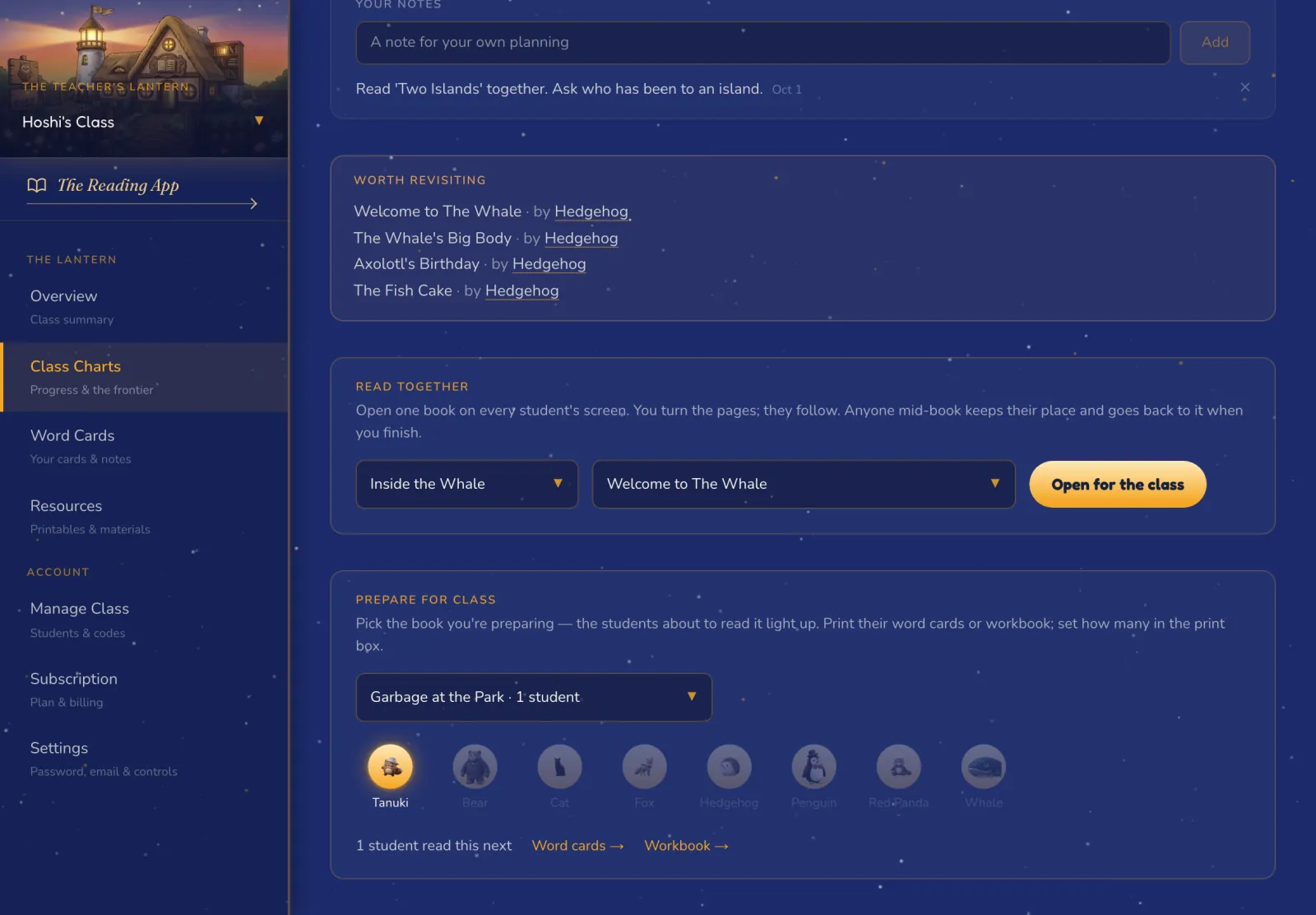
        The Lantern opens on your class: books read this week, stars collected, and a card for every student. "Hoshi is waiting for" names anyone who hasn't read in the past week, and this week's birthdays are there too.

        One tap opens any student's own lighthouse, with their Star Charts, questions and letters. Teach more than one class? The Lantern switches between them.

        For schools

        Class Charts

        See how far the class has come, and get ready for the books they're about to read.

        Class Charts show who is furthest ahead, the books coming up next, and the ones worth revisiting. Prepare for Class groups students by the book each one reads next, so the child on book two and the child on book five each get the right word cards and workbook.

        The class word list keeps every word met, world by world, with your own stars and notes.

        For schools

        Read together

        Open one book on every screen in the room and turn the pages for the whole class.

        Every student's device opens the same book and turns when you turn. Your device reads it aloud, or you do, and the words light up on every screen. Hoshi's questions appear on every screen too, so you can call on anyone.

        Close the book and each child goes straight back to their own story, on the page they left. Children still in the Schoolhouse can join in.

        For schools

        A workbook for every story

        Every story comes with its own printable workbook, ready before your class reaches it.

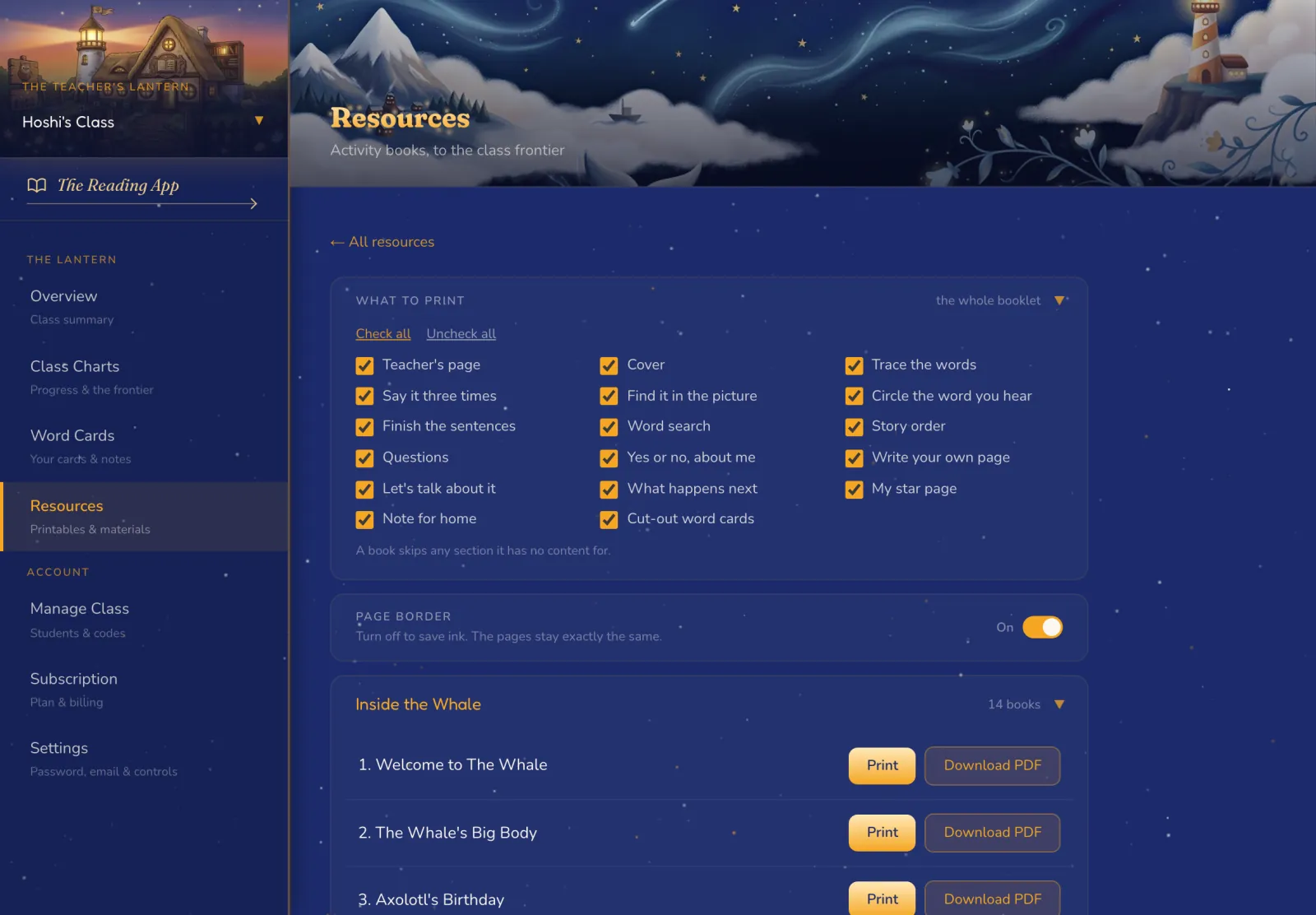
        There is one for every story in the worlds. Choose from up to 17 sections: trace the words, find it in the picture, word search, story order, cut-out word cards, a note for home and more.

        Workbooks are ready up to three books past your furthest reader, so the printing is done before the class arrives. An ink-saver setting drops the page border.

        For schools

        Class codes and students

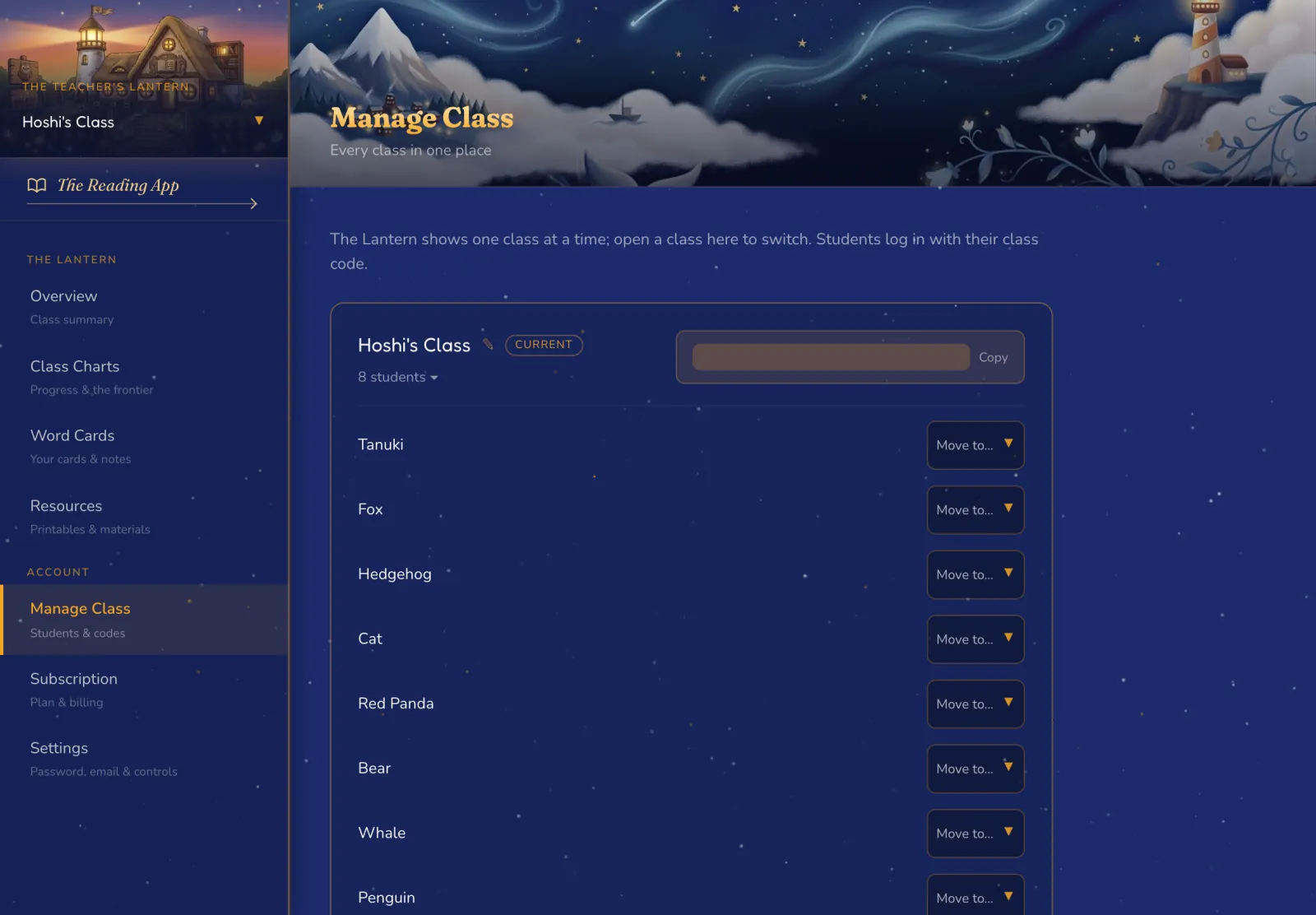
        Each class has a code that never expires, so students can sign in at school or at home.

        Add a student with a name and a PIN, move them between classes, and choose where each one starts: the Schoolhouse, or the first stories in Cosy House. Pick a character for each child, and add a birthday so Hoshi remembers the day.

        Archive a student and their reading history stays while the seat frees up. Families get the same child controls in Settings.